2026 Complete Guide to AI Workflow Automation — Eliminate Repetitive Tasks and Maximize Productivity with n8n, Make, and Zapier
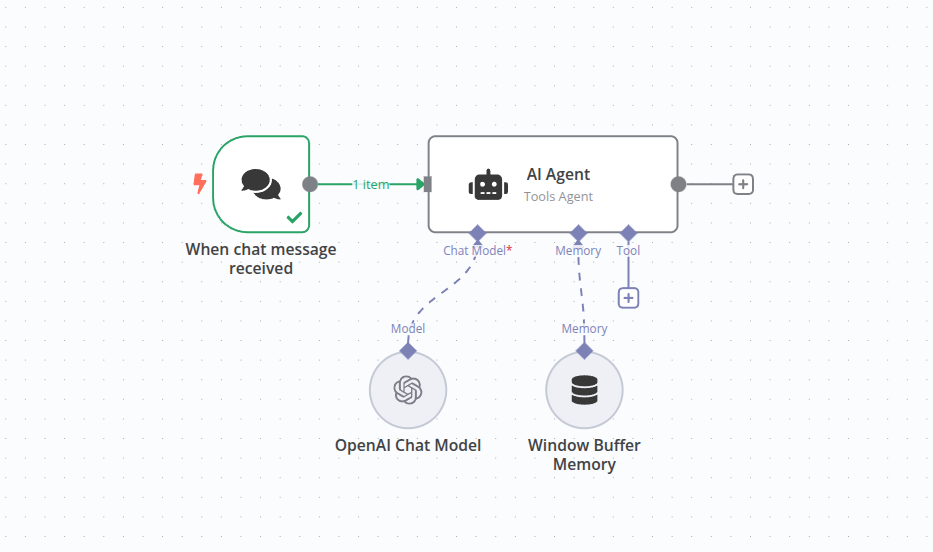
📸 Tutorial: Build an AI workflow in n8n | n8n Docs
🤖 What is AI Workflow Automation? How It Differs from Traditional Automation
If you're tired of repetitive tasks, 2026 is the perfect year to start with AI automation. While traditional automation tools simply moved data between apps, AI workflow automation has evolved to interpret, judge, create, and adapt.
According to the n8n blog, the biggest advantage of AI automation is intelligent handling of edge cases. Unlike traditional programming where you need to predefine every exception, AI can flexibly handle unexpected situations. Of course, for critical decisions, we still recommend the Human-in-the-Loop (HITL) approach where humans provide final review.
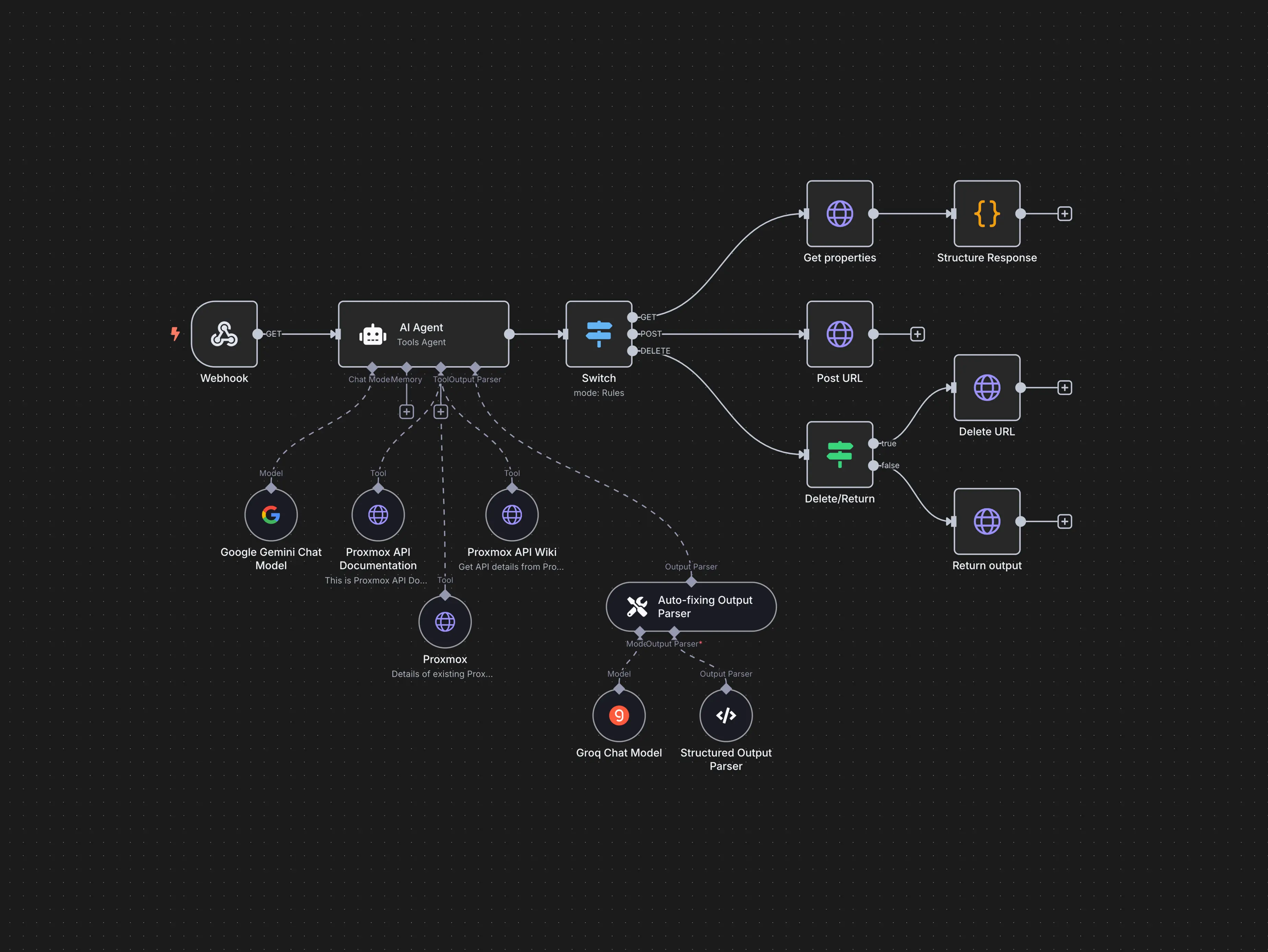
📸 AI Workflow Automation Platform & Tools - n8n
🏆 2026 Comparison of Top 3 AI Workflow Automation Tools
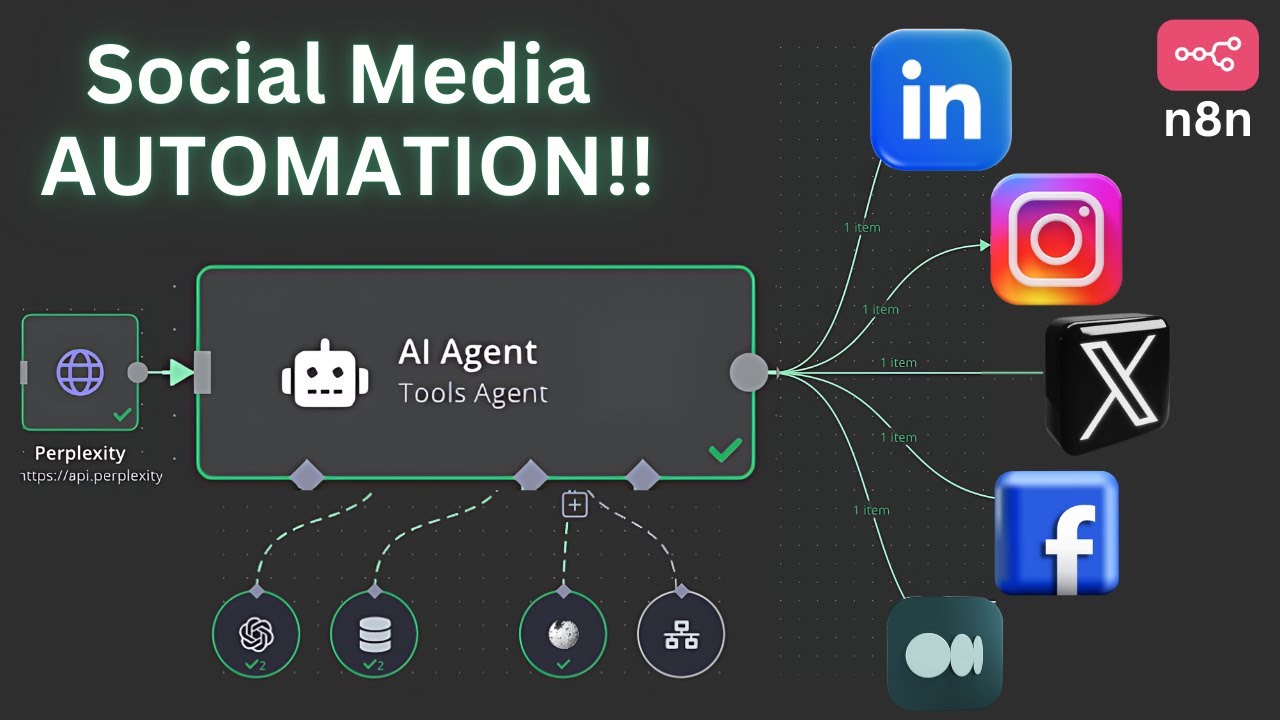
📸 This n8n AI Agent will AUTOMATE your Social Media
1. n8n — The Ultimate Tool for Developers and AI Power Users
n8n is rated as the most powerful tool for AI workflow automation as of 2026. Based on open-source technology, you can install it directly on your own server or use the cloud version.
- ✅ Built-in AI Agents: Integration with major LLMs including OpenAI, Anthropic Claude, Google Gemini
- ✅ RAG (Retrieval-Augmented Generation) Support: Build custom AI workflows with vector database integration
- ✅ Code Flexibility: Unlimited customization with JavaScript and Python code blocks
- ✅ Self-Hosting Available: Ideal for companies where data privacy is crucial
- ⚠️ Cons: Learning curve for beginners, UI can be complex
Pricing: Self-hosting free, Cloud €20/month~

📸 A Comprehensive Guide to AI Workflow Automation in 2024 ...
2. Make (formerly Integromat) — The Visual Automation Powerhouse
Make is a tool that lets you visually design complex workflows with an intuitive drag-and-drop interface. It's highly accessible for non-developers while still offering advanced features.
- ✅ Visual Workflow Builder: See the entire automation flow at a glance with a flowchart-style interface
- ✅ 1,000+ App Integrations: Massive ecosystem including Slack, Google, HubSpot, Shopify
- ✅ Powerful Error Handling: Visually configure branching, loops, and filtering
- ✅ AI Modules: Directly insert LLMs like OpenAI and Anthropic into workflows
- ⚠️ Cons: More limited than n8n for complex AI workflows
Pricing: Free plan (1,000 operations/month), Pro $16/month~
3. Zapier — The Best Choice for Non-Developers Who Want to Get Started Fast
Zapier boasts the largest app ecosystem (7,000+ apps) among automation tools. If your team is new to AI integration, Zapier's template library and friendly guides help you get started quickly.
- ✅ 7,000+ App Integrations: Overwhelming integration ecosystem
- ✅ Zapier AI: Create automation workflows using natural language
- ✅ Chatbots Feature: Build AI chatbots without code
- ✅ Templates: Thousands of ready-to-use automation templates
- ⚠️ Cons: More limited functionality compared to n8n for complex AI/LLM workflows
Pricing: Free (100 tasks/month), Professional $19.99/month~
📊 Tool Selection Guide — Which One Fits Your Situation?
| Situation | Recommended Tool | Why |
|---|---|---|
| Developers, building AI agents | n8n | Complete control over LLMs, RAG, and code |
| Complex business processes, visualization important | Make | Intuitive flow design, error handling |
| Quick start, non-developers, many app integrations | Zapier | Largest app ecosystem, easy onboarding |
| Data privacy, on-premise | n8n (Self-hosted) | Install and operate directly on your own server |
💡 5 Practical AI Automation Ideas
If you're not sure what tasks to automate, check out these examples.
① Automatic Email Classification + AI Summary + Slack Notifications
Gmail inbox → AI classifies and summarizes emails → Sends notifications to Slack channels based on priority. Can be implemented with n8n or Make.
② Automatic Customer Inquiry Classification + AI Draft Generation
Inquiries coming through Zendesk/Freshdesk are categorized by AI, then appropriate response drafts are generated. Agents review before sending.
③ Social Media Content Automation
AI summarizes new content from RSS feeds or websites → Automatically generates text for social media posts → Scheduled publishing via Buffer/Later.
④ Automatic Meeting Minutes + Action Item Extraction
Zoom/Google Meet recordings → Text conversion via Whisper API → AI summarizes meeting + extracts action items → Automatically saves to Notion/Jira.
⑤ Lead Scoring Automation
New lead registered in CRM → AI analyzes website and LinkedIn information → Scores purchase likelihood → Priority notification to sales team.
🚀 Why You Should Start AI Automation in 2026
According to Zapier research, employees at companies that adopted AI automation save an average of 40-60 minutes per day, and heavy users save more than 10 hours per week. Start with just one small automation. One email, one report, one Slack notification. Delegating repetitive tasks to AI and letting humans focus on more creative work is the key to smart work in 2026.
댓글
댓글 쓰기