Cursor AI Subagents Complete Guide - Double Your Development Speed with Parallel Coding (February 2026 Update)

📸 Cursor AI: An In Depth Review in 2025
🤖 What’s New in Cursor AI – February 2026 Update
In February 2026, Cursor AI rolled out a major update centered around Subagents—a breakthrough feature that enables AI agents to handle multiple tasks simultaneously in parallel. Once known as a "smart code editor," Cursor has now evolved into a full-fledged parallel engineering platform. This article delivers a comprehensive breakdown of Cursor AI’s latest capabilities, with a deep focus on the game-changing Subagents functionality.
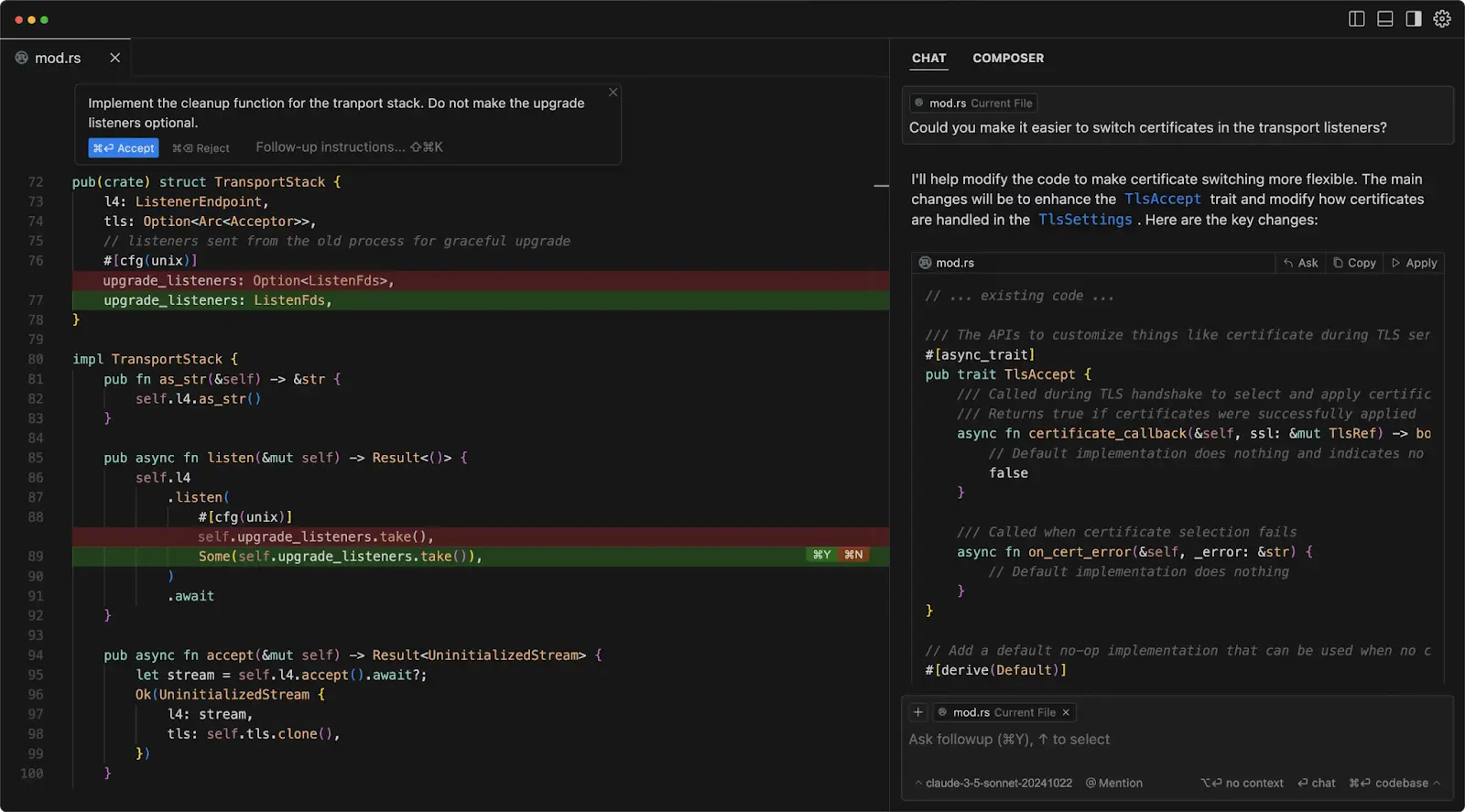
📸 What is Cursor AI? Everything You Need to Know | UI Bakery Blog
What Are Subagents? From Serial to Parallel Workflow
Traditional AI coding assistants operate in a serial fashion: read a file → think → write code → run terminal commands—one step at a time. Cursor's Subagents completely transform this paradigm.

📸 Cursor AI - Everything you need to know | Instructa Courses
How Subagents Work
With Subagents enabled, Cursor spawns multiple independent workers simultaneously:
- Subagent A: Researches correct API endpoints by navigating documentation
- Subagent B: Writes React component code in the background
- Subagent C: Executes package installation commands in the terminal
Because these tasks run in parallel, total execution time drops dramatically. Real-world testing showed that migrating an 8,000-line Next.js app from Pages Router to App Router was reduced from 17 minutes to just 9 minutes—a roughly 47% improvement.

📸 Cursor + V0: Can We Build An AI Next.js App in 8 Minutes?
Real-World Test: Migrating a Next.js App
Let’s examine a verified use case: converting dashboard pages into Server Components using Subagents.
- While Subagent A rewrites hooks,
- Subagent B simultaneously updates routing logic
- Result: Task completed in 9 minutes (vs. 17 minutes with previous serial mode – a 47% reduction)
- Note: 2 minor type errors required manual fixing (final quality assurance still requires human oversight)
Enterprise-Grade Feature: Audit Trails (Code Provenance Tracking)
One of the biggest concerns when adopting AI-generated code in enterprise environments is "Shadow Code"—code written by AI that no one can trace or verify. Cursor tackles this with Enterprise Audit Trails (known internally as "Cursor Blame").
Information Tracked by Audit Trails
- AI Model Attribution: Identifies which AI model generated the code (e.g., Claude 3.5, GPT-4o)
- Human Review Status: Flags whether the code is purely AI-generated or has been edited by a developer
- Git Integration: Fully interoperable with existing git blame for complete auditability
For CTOs and team leads, this transparency makes AI-assisted development feasible even in highly regulated industries like finance, healthcare, and public sector.
Cursor Pricing in 2026: The Credit Pool Model
| Plan | Key Features | Monthly Price |
|---|---|---|
| Hobby (Free) | Basic autocomplete, limited Subagent access | Free |
| Pro | Full Subagent access, full Composer features | $20/month |
| Business | Audit Trails, SSO, centralized billing | $40+/user/month |
Cursor vs Windsurf: The 2026 AI IDE Showdown
A comparison between two leading AI-native IDEs:
- Cursor's Strengths: Unmatched speed via parallel Subagents, predictive Cursor Tab autocomplete, and support for multiple models (Claude, GPT-4o, DeepSeek)
- Windsurf's Strengths: Superior contextual understanding and powerful navigation for large codebases
- Cursor's Weaknesses: Managing multiple Subagents can overwhelm beginners, no support for local LLMs (e.g., Ollama), and rapid credit consumption during parallel processing
Getting Started with Cursor AI Subagents
Basic Usage Steps
- Install the latest version of Cursor (Settings → Check for Updates)
- In the chat window, request a complex task (e.g., "Migrate this Next.js app to App Router")
- Cursor automatically spawns multiple Subagents
- Monitor each Subagent’s progress via the dashboard panel
- Review changes and perform manual validation after completion
Tips for Effective Use
- Structure requests into clearly separable tasks for optimal parallelization
- Always review Subagent output—type errors or logic bugs may slip through
- Monitor credit usage; start with Pro, understand your workflow, then consider upgrading to Business
Conclusion: Choose Cursor for Speed
The February 2026 update has elevated Cursor AI from a smart editor to a true parallel engineering powerhouse. The Subagent architecture delivers real gains in speed for large-scale refactoring, migrations, and test generation. Combined with Audit Trails solving the critical issue of AI transparency, Cursor removes the final barriers to enterprise adoption. If you value rapid development velocity, Cursor remains the top choice among AI coding tools in 2026.
댓글
댓글 쓰기