The Ultimate Guide to GitHub Agentic Workflows - Revolutionizing Repository Automation with AI That Automatically Handles Issues & PRs (2026)
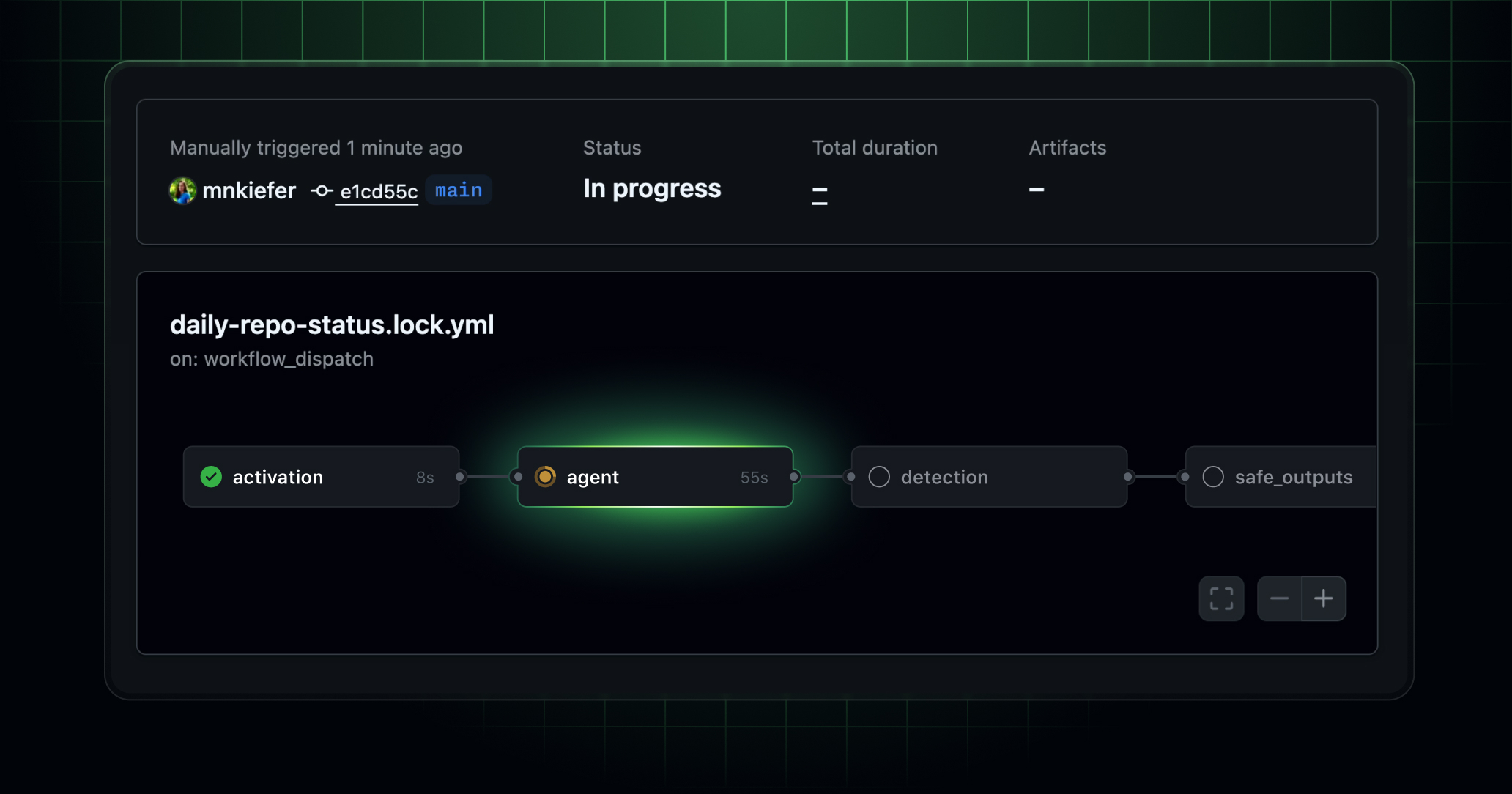
📸 GitHub Agentic Workflows are now in technical preview ...
🤖 What Are GitHub Agentic Workflows?
In February 2026, GitHub Agentic Workflows, jointly developed by GitHub Next and Microsoft Research, launched in technical preview. This feature introduces a new paradigm for repository automation within GitHub Actions, where AI agents autonomously classify issues, review pull requests (PRs), update documentation, and add tests. "Continuous AI"—the agentive evolution of continuous integration (CI)—has finally become a reality.
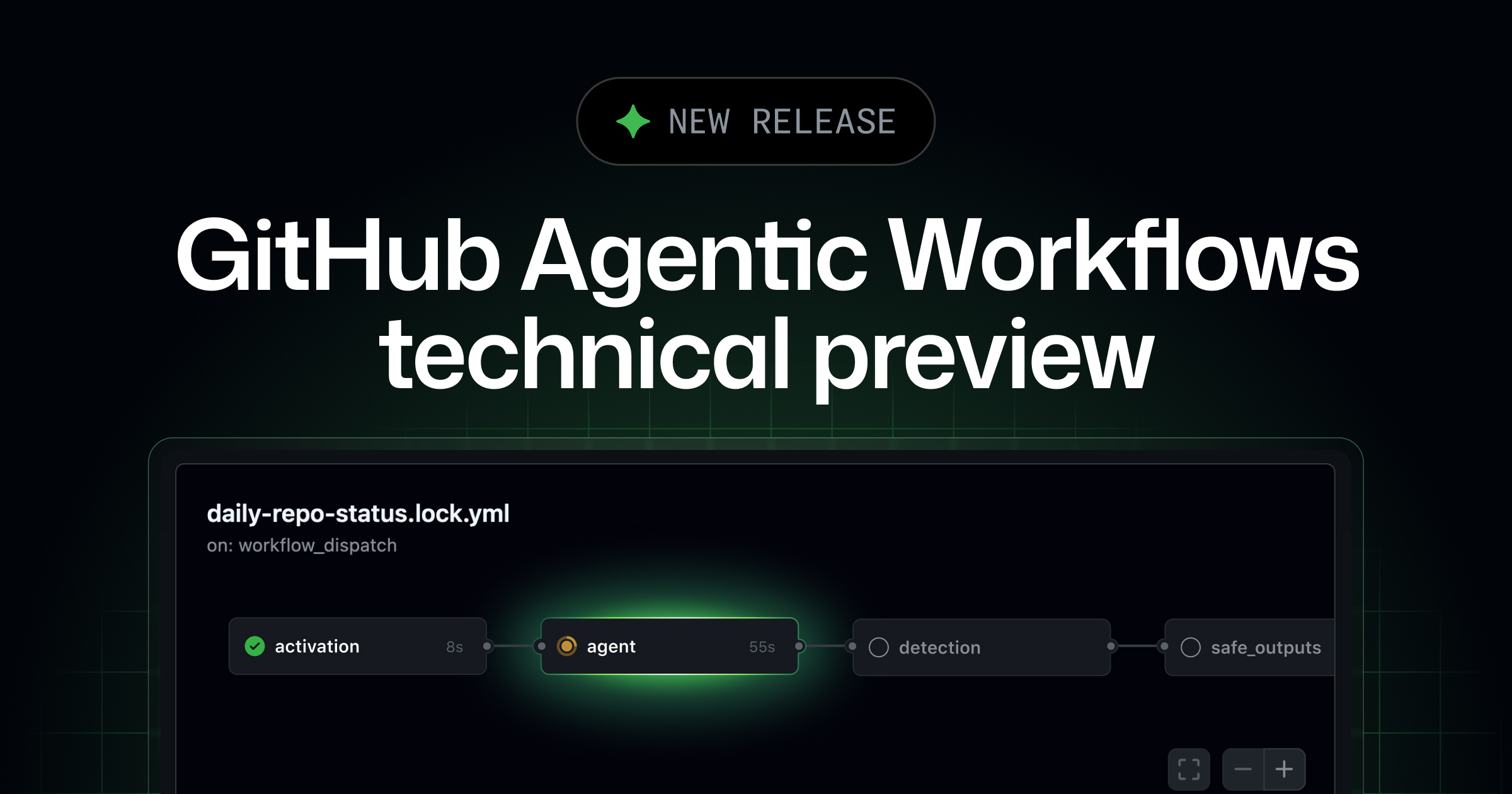
📸 GitHub Agentic Workflows are now in technical preview ...
Why GitHub Agentic Workflows Now?
Imagine opening your repository in the morning and seeing:
- ✅ New issues are automatically categorized and labeled
- ✅ CI failures are analyzed with suggested fixes attached
- ✅ Documentation is already updated to reflect recent code changes
- ✅ Two PRs to improve test coverage are waiting for review
This is the future GitHub Agentic Workflows aims to deliver. AI agents bring intelligent, flexible automation to your repository—something impossible with traditional YAML-based CI/CD pipelines.
📸 GitHub Agentic Workflows Explained: Automate Repository with AI
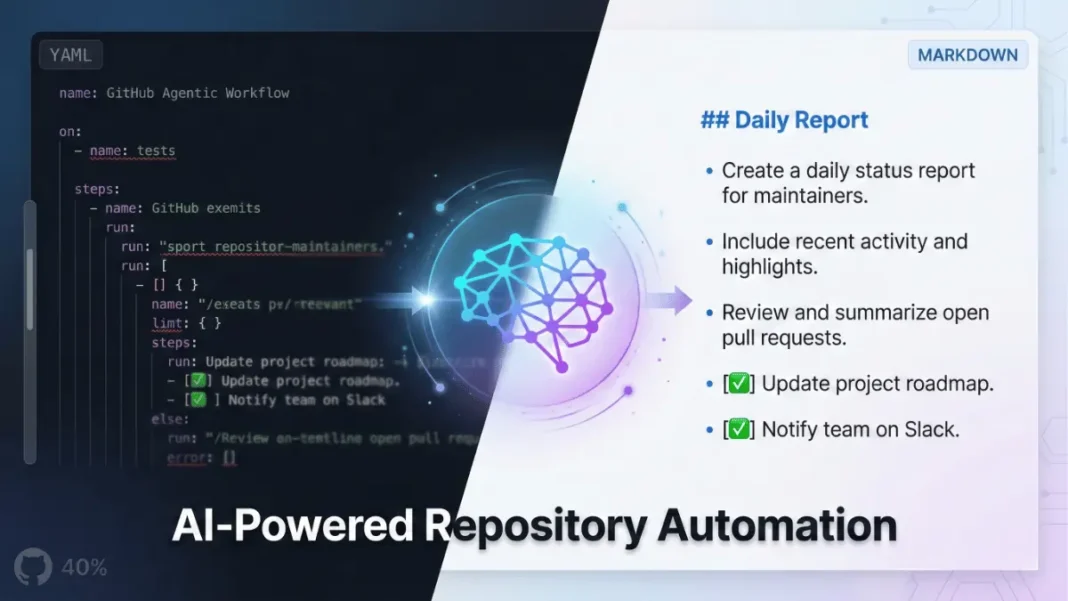
How It Works: Define AI Workflows in Markdown
The concept behind GitHub Agentic Workflows is simple:
- Describe your desired outcome in natural language within a Markdown file
- GitHub CLI compiles it into GitHub Actions YAML
- Events like issue creation, PRs, comments, or discussions trigger the workflow
- An AI agent (choose from Copilot CLI, Claude Code, or OpenAI Codex) executes the task
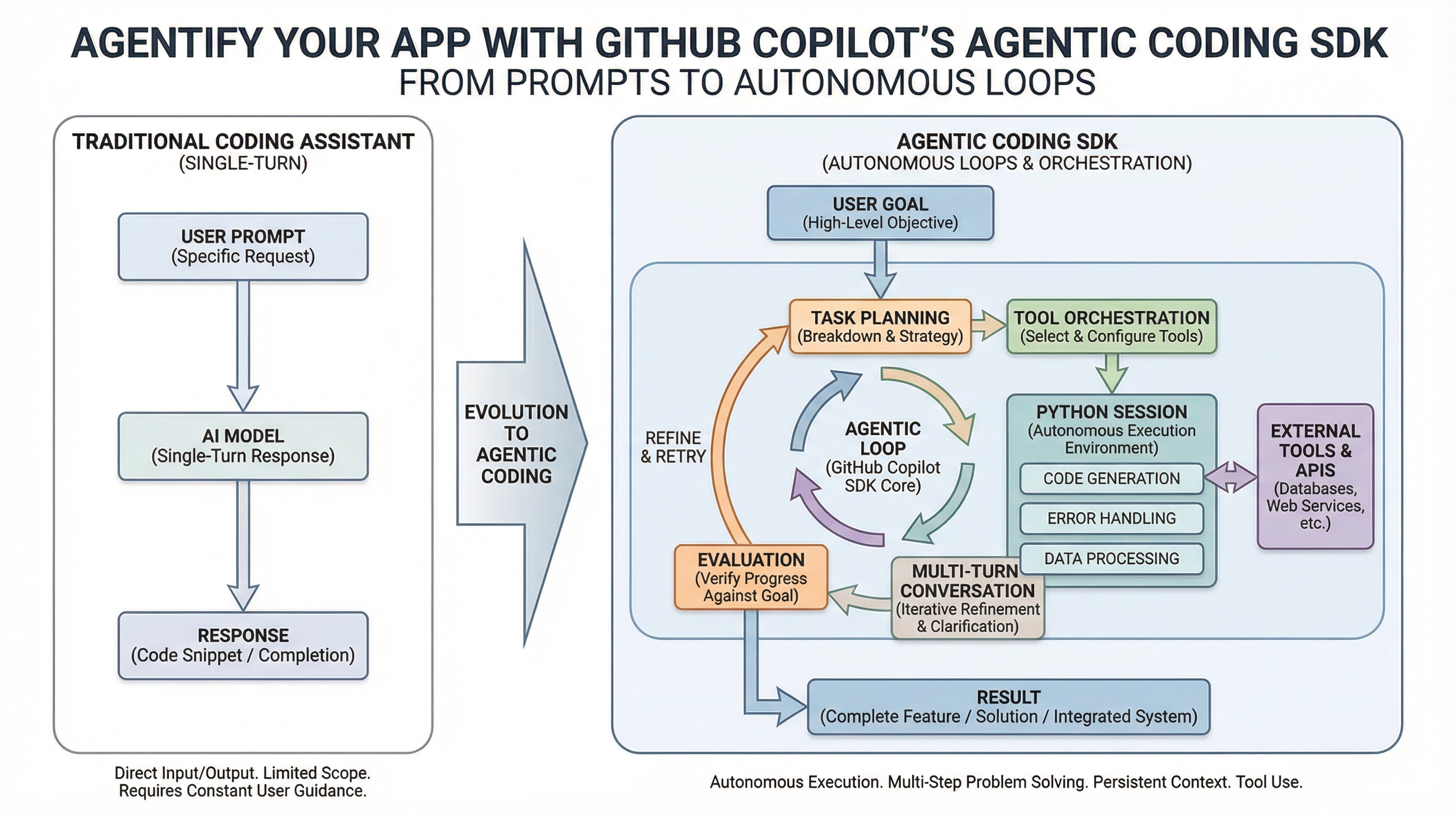
📸 Agentify Your App with GitHub Copilot's Agentic Coding SDK ...
Key Trigger Events
- New issue created
- Comment added to an issue
- Pull Request opened or updated
- Comment added to a PR
- New discussion started
5 Core Use Cases
1. Continuous Triage (Ongoing Issue Classification)
Every time a new issue is created, AI analyzes its content, applies the correct labels, and routes it to the right maintainer. This is a huge time-saver for open-source maintainers managing hundreds of open issues.
2. Continuous Documentation
Whenever code changes, the README and related docs are updated automatically. Whether it’s API changes or new features, documentation stays in sync—eliminating the common gap between code and documentation.
3. Continuous Code Simplification
The AI regularly scans your codebase to find refactoring opportunities and automatically opens PRs. This proactive approach helps manage technical debt more effectively.
4. Continuous Test Improvement
AI evaluates test coverage periodically and adds new tests to weak or uncovered areas. This reduces the cost of writing tests and makes maintaining code quality easier.
5. Automated CI Failure Analysis
When a build or test fails, the AI analyzes logs to identify the root cause and suggests fixes. This reduces the time engineers waste debugging CI failures.
Security Architecture: Safety First
Running AI agents in public repositories raises security concerns—malicious users could hide prompt injections in issues or PRs. GitHub Agentic Workflows defends against this with multiple layers:
Security Layers
- Isolated Containers: Agents run only in sandboxed environments
- Read-Only Access: Agents have read-only permissions by default
- Internet Firewall: Blocks external internet access except for approved domains
- User Content Sanitization: Filters user input before passing to agents
- Safe Outputs: Write operations are performed only via strictly controlled jobs
GitHub claims this structure is significantly safer than running AI CLI tools directly in traditional GitHub Actions.
Relationship with Existing CI/CD: Complement, Not Replace
Crucially, GitHub Agentic Workflows does not replace your existing CI/CD pipelines. Build, test, and deploy workflows must remain deterministic. Agentic Workflows are best for flexible, cognitive tasks—like classification, documentation, code review, and research—while core release processes stay under conventional YAML workflows.
Supported AI Agents
- GitHub Copilot CLI: GitHub’s native agent
- Claude Code (Anthropic): Excels at complex code analysis and generation
- OpenAI Codex: Specialized model for code generation
You can select or even mix agents based on your configuration needs.
How to Join the Technical Preview
- Visit the official GitHub Agentic Workflows site
- Apply for the Technical Preview
- Install the latest version of GitHub CLI
- Create a
.github/agentic-workflows/folder in your repository - Define workflows in Markdown and run
gh aw deploy
Cost: Still Unclear
Costs depend on workflow complexity. You can monitor token usage and expenses in logs, and get detailed breakdowns using the gh aw audit command. However, as this is still in technical preview, pricing may change before general availability (GA).
Conclusion: A New Era of Repository Automation
GitHub Agentic Workflows represents a paradigm shift—not just writing code, but AI managing the entire lifecycle of your repository. With technical preview launched in February 2026, general availability is expected within the next few months. If your team spends significant time on issue management or documentation, applying for the preview now could give you a major productivity edge.
댓글
댓글 쓰기