The Ultimate Guide to GitHub Models 2026 - Using Free AI Inference APIs with Your GitHub Account (GPT-4o·Llama·Mistral)
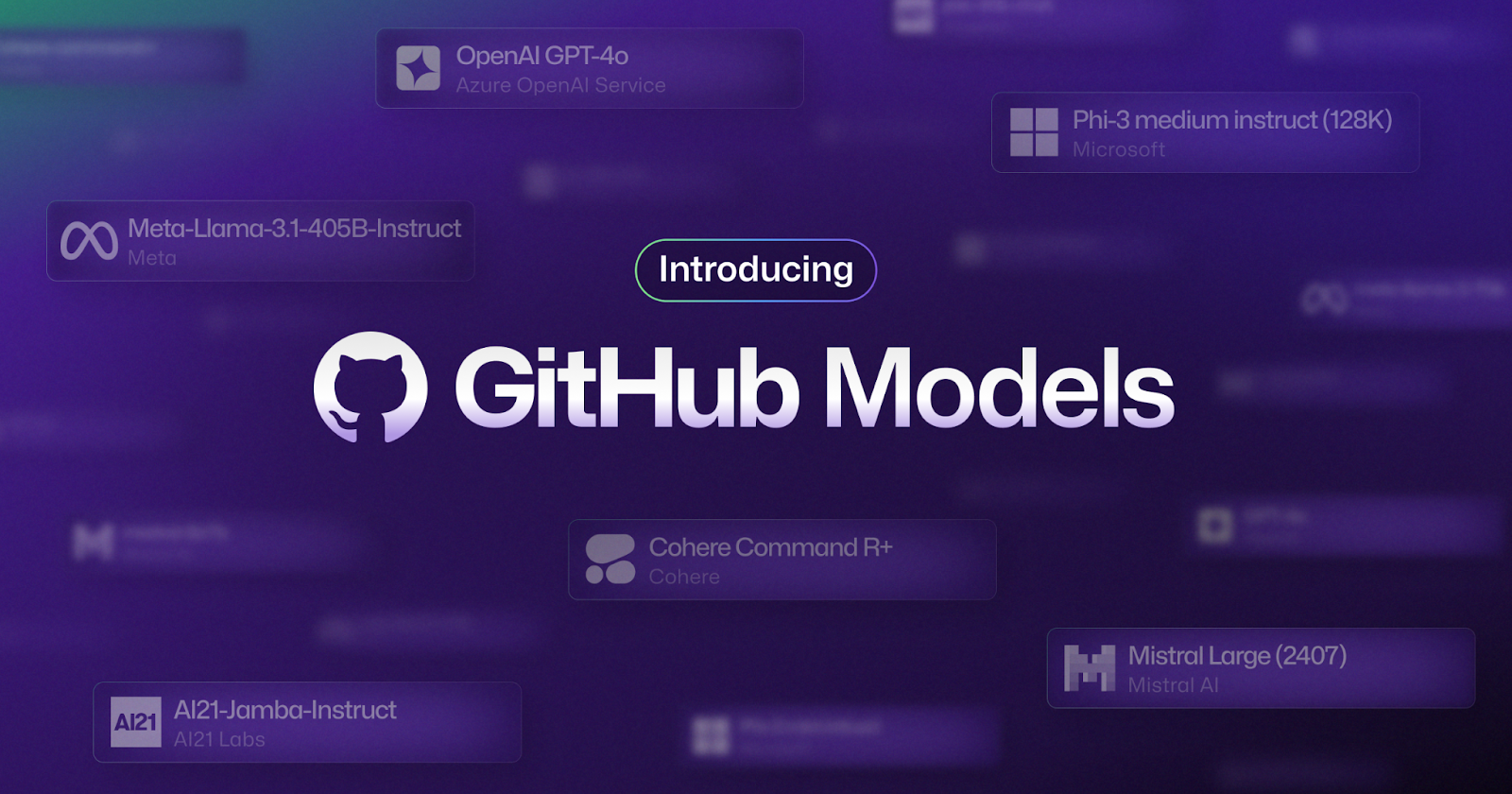
📸 Introducing GitHub Models: A new generation of AI engineers ...
What is GitHub Models? — Use Free AI APIs with Your GitHub Account
Want to get started with AI development but worried about API costs? Or perhaps you'd like to quickly compare multiple AI models? GitHub Models could be your perfect solution.
GitHub Models is an AI model hub built into the GitHub Marketplace, allowing you to instantly test major AI models like GPT-4o, Llama 3.3, Mistral, and Phi-4 in a free playground — all using just a GitHub account. You can also access them through standard OpenAI SDK-compatible APIs. As of 2026, it's become an essential tool among developers, enabling zero-cost prototyping.

📸 What is GitHub Models? Develop with models from OpenAI, Mistral, Cohere, Meta, and more
Available Models on GitHub Models (as of February 2026)
- OpenAI: GPT-4o, GPT-4o mini, o1-mini, o3-mini
- Meta: Llama 3.3 70B Instruct, Llama 3.2 Vision
- Microsoft: Phi-4, Phi-4 Multimodal
- Mistral AI: Mistral Large, Mistral Small, Codestral
- Cohere: Command R, Command R+
- AI21: Jamba 1.5 Large (256K context window)
- Deepseek: DeepSeek-R1, DeepSeek-V3
All of these models are available within your monthly free usage limits — no additional payments required.

📸 Introducing GitHub Models: A new generation of AI engineers ...
How to Use the Free Playground
Visit github.com/marketplace?type=models and click on any model to launch a web-based chat interface instantly. You can set system prompts, adjust parameters (temperature, max tokens), and even test multimodal inputs directly in your browser.
One of the most useful features is Model Comparison (Compare). Send the same prompt to multiple models at once and view their responses side by side. This is perfect for directly comparing code generation quality between GPT-4o and Llama 3.3, or identifying the best-performing model for your needs and budget.

📸 GitHub Models · Build AI-powered projects with industry ...
Calling GitHub Models API from Code
The GitHub Models API is fully compatible with the OpenAI SDK — simply use your GitHub personal token (GITHUB_TOKEN) as your API key.
Python Example
import os
from openai import OpenAI

# Use GitHub Token as the API key
client = OpenAI(
    base_url="https://models.inference.ai.azure.com",
    api_key=os.environ["GITHUB_TOKEN"]
)

response = client.chat.completions.create(
    model="gpt-4o",  # or "Meta-Llama-3.3-70B-Instruct"
    messages=[
        {"role": "system", "content": "You are a helpful coding assistant."},
        {"role": "user", "content": "Write a Python function to generate a Fibonacci sequence"}
    ],
    temperature=0.7,
    max_tokens=1000
)

print(response.choices[0].message.content)
JavaScript/Node.js Example
import OpenAI from "openai";

const client = new OpenAI({
  baseURL: "https://models.inference.ai.azure.com",
  apiKey: process.env.GITHUB_TOKEN
});

const response = await client.chat.completions.create({
  model: "Mistral-large",
  messages: [
    { role: "user", content: "Explain the key concepts of Next.js 14 App Router" }
  ],
  temperature: 0.8,
  max_tokens: 2000
});

console.log(response.choices[0].message.content);
Just change the model name to switch between models seamlessly. This creates a natural development flow — use the free GitHub Models API during development and switch to production APIs when ready to launch.
Building AI Agents with GitHub Actions
One of the most powerful features of GitHub Models is its integration with GitHub Actions. Since you can run free AI inference directly within your repository, you can now add AI-powered analysis to your CI/CD pipelines.
# .github/workflows/ai-code-review.yml
name: AI Code Review

on:
  pull_request:
    types: [opened, synchronize]

jobs:
  review:
    runs-on: ubuntu-latest
    permissions:
      contents: read
      pull-requests: write

    steps:
      - uses: actions/checkout@v4

      - name: AI Code Review
        env:
          GITHUB_TOKEN: ${{ secrets.GITHUB_TOKEN }}
        run: |
          python3 << 'EOF'
          import os
          from openai import OpenAI

          client = OpenAI(
              base_url="https://models.inference.ai.azure.com",
              api_key=os.environ["GITHUB_TOKEN"]
          )

          # Example: Get PR diff
          diff = "..." # Retrieved using 'gh pr diff'

          response = client.chat.completions.create(
              model="gpt-4o-mini",
              messages=[{
                  "role": "user",
                  "content": f"Review the following code changes:\n{diff}"
              }]
          )

          print(response.choices[0].message.content)
          EOF
Free Usage Limits — How Much Can You Actually Use?
As of February 2026, the free usage limits for personal GitHub accounts are:
| Model Tier | Requests per Minute (RPM) | Daily Requests | Input Tokens/Request |
|---|---|---|---|
| Low (small models) | 15 RPM | 150 requests | 8K |
| High (large models) | 10 RPM | 50 requests | 8K |
| Embedding Models | 15 RPM | 150 requests | 64K |
These limits are more than sufficient for prototyping, personal projects, and learning. If you exceed them, upgrading to Azure AI services is just a single code change away.
Synergy with GitHub Copilot
GitHub Copilot users will experience even greater synergy. The Copilot Coding Agent internally leverages GitHub Models API to solve issues, giving developers a seamless, consistent experience across the GitHub AI ecosystem.
Open-source projects gain extra advantages too. GitHub offers higher free usage tiers to public open-source organizations, making it especially favorable for community-driven AI tool development.
Why You Should Start with GitHub Models Today
The biggest barrier to starting AI app development is cost. GitHub Models removes all of that — no need to create an OpenAI API key, register payment details, or monitor usage. With just a GitHub account, you can get started instantly.
Rapidly prototype your ideas using GitHub Models in development, validate them, and then transition to paid APIs in production — this workflow is highly recommended for startups and side project developers alike.
You can get started right now at github.com/marketplace?type=models.
댓글
댓글 쓰기