Claude recently hit #1 on the Apple App Store's free apps chart, sparking renewed buzz. The reason millions of users have chosen it is simple — it's genuinely useful for real work. But when you actually try using it, many people hit a wall: "How do I ask to get the right results?" In this article, I'll share practical prompts and strategies that working professionals can copy and use right away.

📸 Claude Projects: My Experience After Months of Daily Use ...
1. Why Claude Excels at Work — The Essentials
It may look similar to ChatGPT, but Claude has several decisive differences:
- 200K Token Context — Can analyze documents equivalent to 600 A4 pages at once
- Artifacts Feature — Edit documents, code, and tables instantly in a separate window
- Projects Feature — Upload internal company documents and have conversations that remember context
- Lower "Hallucination" Rate — More likely to admit when it doesn't know (advantageous for business document work)
This guide is written based on Claude 3.5 Sonnet / Claude 3.7 Sonnet, and most features can be utilized even on the free plan.
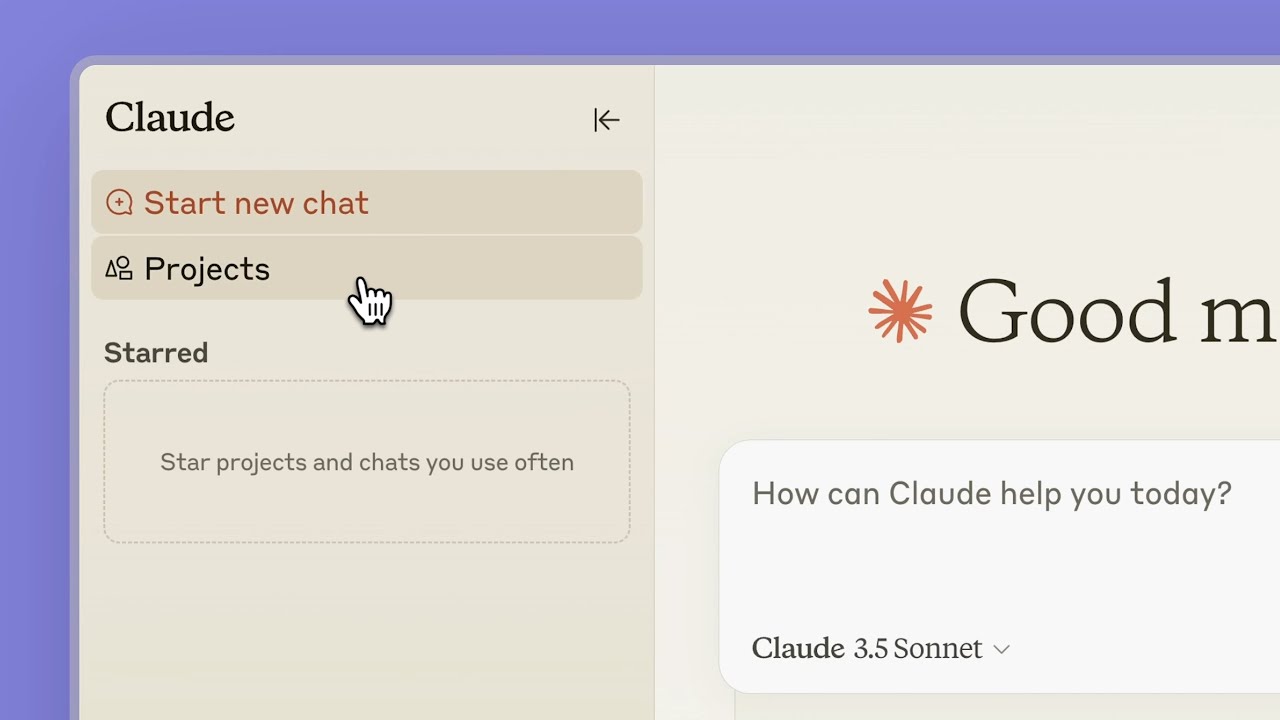
📸 Collaborate with Claude on Projects \ Anthropic
2. Ready-to-Use Prompts — By Work Type
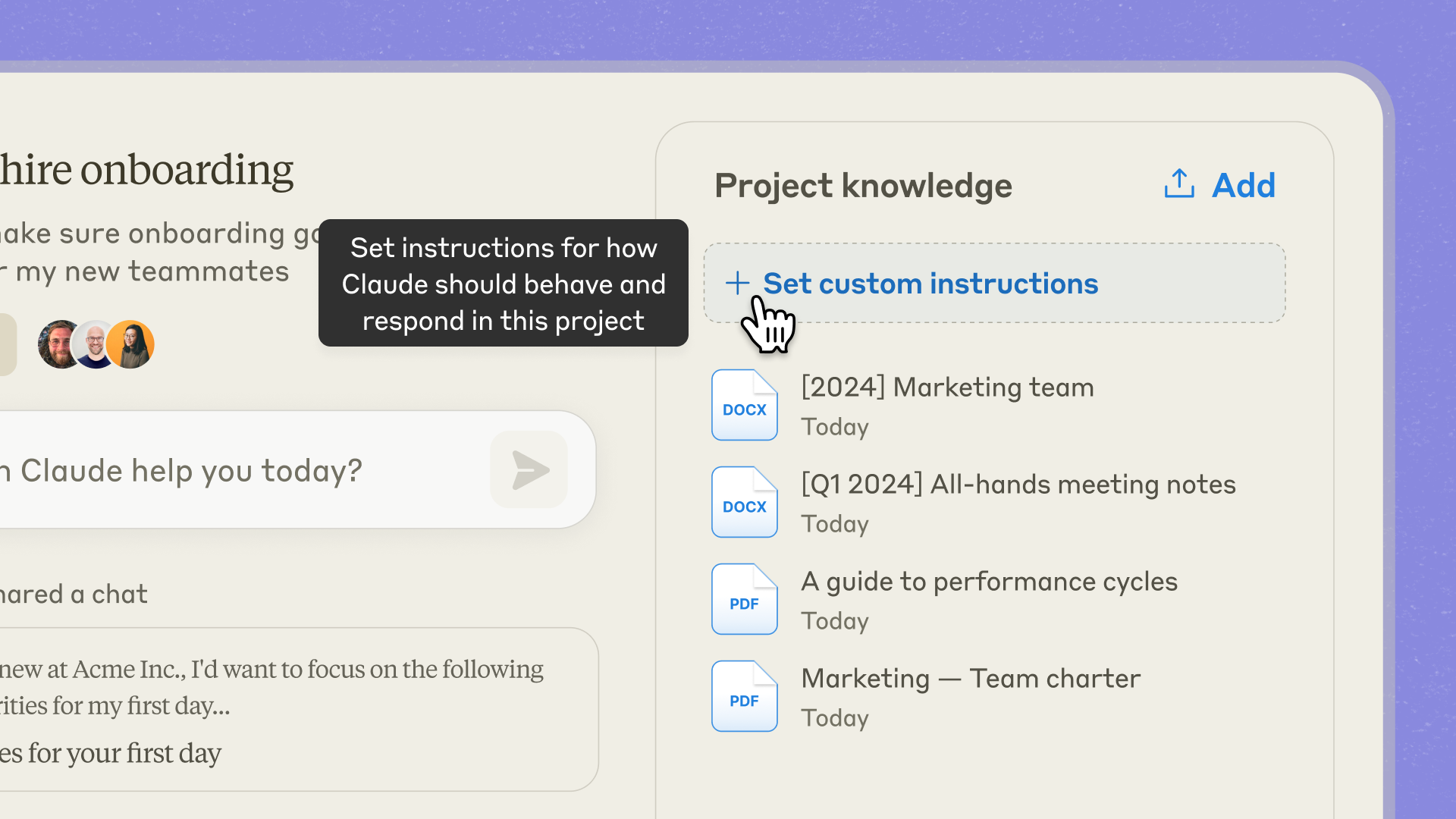
📸 Collaborate with Claude on Projects \ Anthropic
📧 Email Writing
For those tricky emails, just explain the situation to Claude.
Role: Business Communication Expert
Situation: [Describe relationship and context with recipient]
Purpose: [What you want to achieve with this email]
Tone: [Polite and concise / Friendly / Firm]
Key Points:
- [Key point 1]
- [Key point 2]

Please write the email body based on the above. Also suggest a subject line.
Real Example:
"Role: Business Communication Expert / Situation: Apologizing to client about 3-month delayed project deadline / Purpose: Restore trust + propose new schedule / Tone: Sincere and professional / Key: Brief explanation of cause, new deadline March 15, offer one free revision as additional compensation"
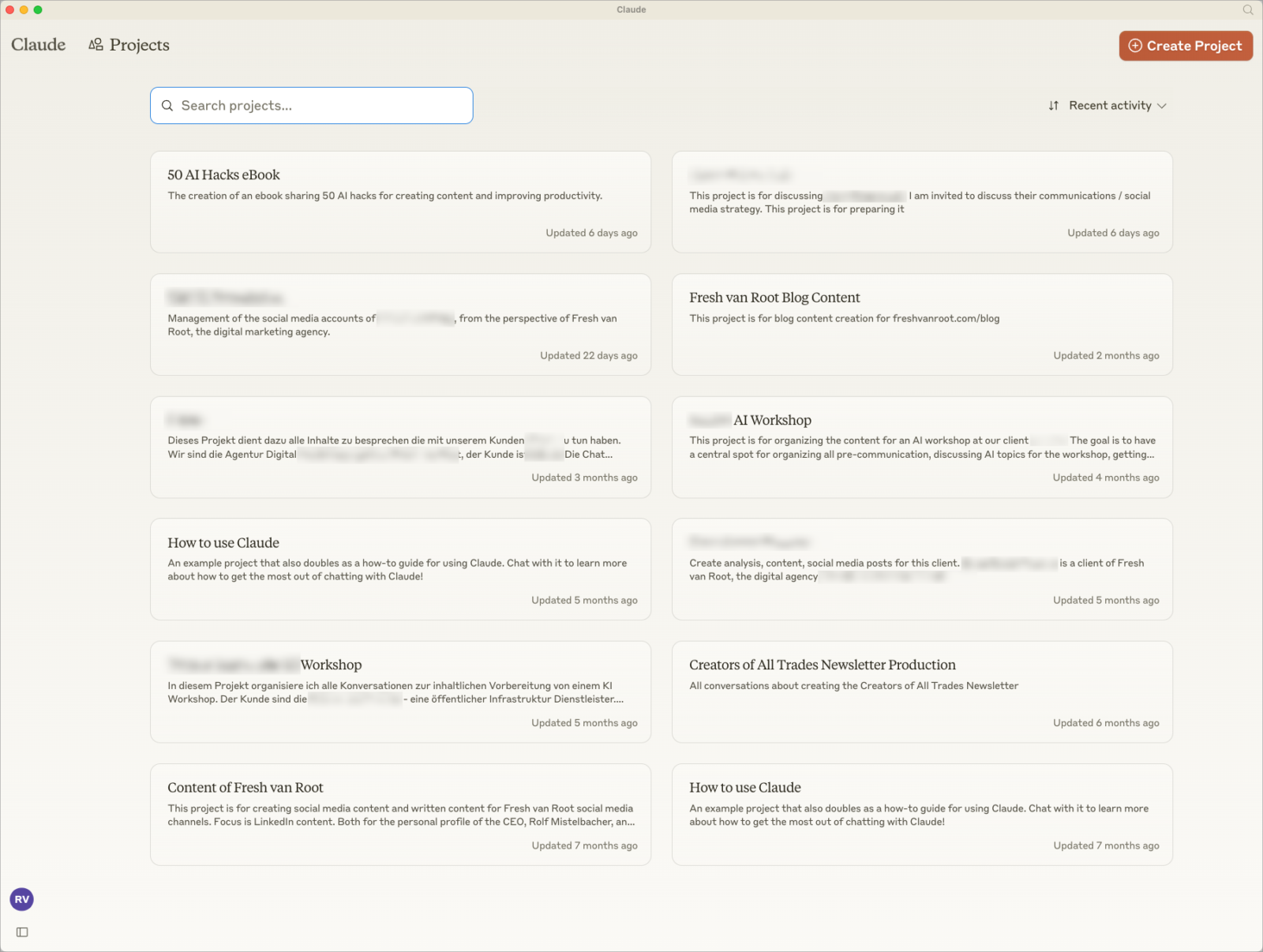
📸 Claude Projects: My Experience After Months of Daily Use ...
📊 Report Summarization · Key Extraction
Paste long reports or meeting minutes into Claude and use the following prompt:
Please read the following [report/meeting minutes/document] and summarize in this format:

**One-Line Core Summary** (within 30 characters)

**Key Decisions** (3-5 bullets)

**Action Items** (include owner/deadline, mark as 'TBD' if unavailable)

**Risks or Unresolved Issues** (only if applicable)

---
[Paste document content]
💡 Idea Brainstorming
I need marketing campaign ideas for our [product/service description] targeting [target customers].

Conditions:
- Budget: [Approximate level]
- Channels: [SNS / Offline / Email, etc.]
- Things to avoid: [Competitor names / Sensitive topics, etc.]

Propose 10 ideas, each with a one-line description and expected impact (High/Medium/Low).
📝 Document Drafting (Proposals · Planning Documents)
Please draft a [proposal/planning document] based on the following information.

Project Name: [Name]
Purpose: [One sentence]
Target Audience: [Who will read it]
Sections to Include: Background / Problem Definition / Solution / Expected Results / Budget / Schedule

Include [my key content] in each section and write for 2-3 A4 pages.
Style: Concise and persuasive, minimize technical jargon.
🔍 Data Interpretation · Analysis Assistance
When pasting Excel data as text or explaining numerical results:
Below is our team's [monthly sales / KPI / survey results] data.

[Paste data]

Please analyze the following:
1. Key trends (upward/downward patterns)
2. Outliers (sudden spikes and possible causes)
3. 2-3 business insights worth noting
4. Action points for next month

Please explain using text only, no charts.
3. Practical Tips to Get 200% Out of Claude
✅ Tip 1: Quality Improves When You Define the Role Clearly
Instead of simply saying "write an email," setting a role like "write as a PR expert with 10 years of experience" makes a noticeable difference in results.
✅ Tip 2: Specify Output Format
Specifying format like "5 bullets," "table format," or "1 A4 page" reduces post-processing time.
✅ Tip 3: Use XML Tags to Separate Inputs
When inserting multiple materials, Claude recognizes XML tags well:
<meeting_minutes>
[Content]
</meeting_minutes>

<request>
Please extract only action items from the above meeting minutes.
</request>
✅ Tip 4: Use Follow-up Edits Like "Shorter," "More Formal"
If the first result isn't satisfactory, don't start over — continue with modification requests like "make the previous result more concise / in a friendlier tone / in English". Since it understands the context, it's much more accurate.
✅ Tip 5: Build a Team Knowledge Base with Projects (Paid)
With Claude Pro or higher, using the Projects feature lets you upload company guidelines, glossaries, and style guides to get context-appropriate results without explaining each time.
⚠️ Common Mistakes
- Too Short Requests — Providing context yields much more useful results than "create a marketing plan"
- Using Without Fact-Checking — Latest statistics, laws, and specific company information must always be verified
- Entering Sensitive Information — Don't input customer personal information or original confidential contracts
4. Usage Scenarios by Work Type
🗂️ A Marketer's Day
- Morning: Paste competitor press releases → Extract key insights
- Lunch: Draft this month's SNS content calendar
- Afternoon: Generate 10 variations of A/B test copy
👨💼 A Team Leader's Day
- Complete weekly report draft in 5 minutes
- Refine team member performance feedback wording
- Convert to executive summary for management reporting
💻 A Developer's Day
- Organize code review comments
- Draft technical specification documents
- Organize bug reproduction steps → Create issue tickets
댓글
댓글 쓰기