CSS 2026 Complete Guide — Build Custom Selects, Scroll Carousels, and Interactive UI Without JavaScript

📸 Html Css and Javascript
How CSS 2026 Is Transforming Frontend Development
For years, web developers have followed an unwritten rule: "CSS for design, JavaScript for interaction." But in 2026, this formula is rapidly breaking down. Thanks to new CSS features being built into browsers, we've entered an era where complex UIs can be implemented without hundreds of lines of JavaScript. In this article, we'll dive deep into the latest CSS features you need to watch in 2026, complete with practical examples.
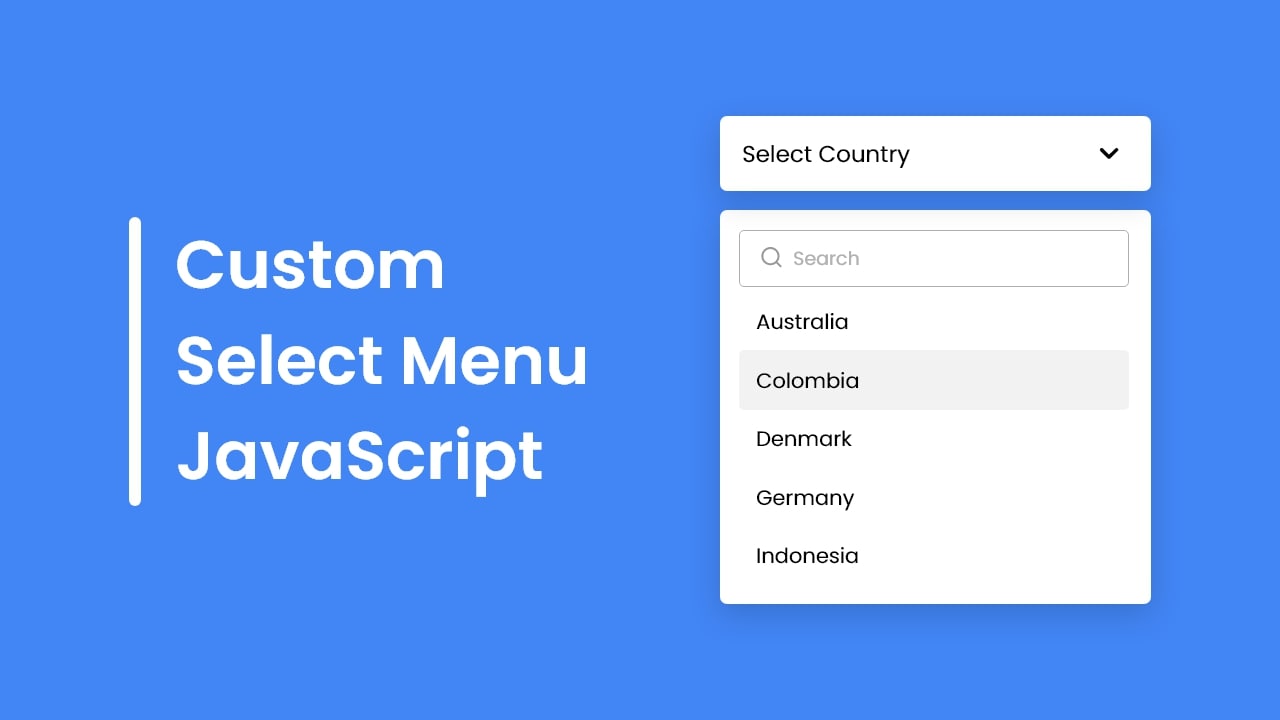
📸 Create A Custom Select Menu in HTML CSS & JavaScript
1. Finally, Fully Customizable <select> Elements
Every web developer has likely felt frustrated by the limitations of <select> at some point. Different default styles across browsers, limited customization options, and ultimately resorting to rebuilding from scratch with JavaScript. In 2026, this pain is finally over.
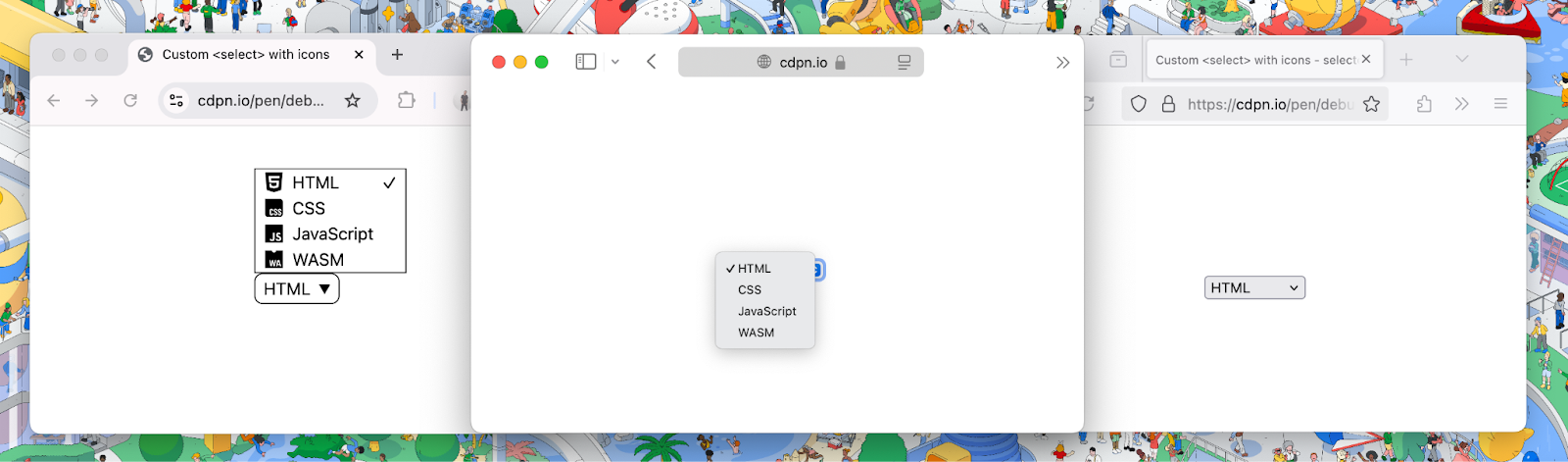
📸 The <select> element can now be customized with CSS | Blog ...
appearance: base-select
With just the appearance: base-select property, you can switch the <select> element into a fully customizable mode. You maintain native accessibility and behavior while freely applying your desired styles.
select {
  appearance: base-select;
  border: 2px solid #6366f1;
  border-radius: 8px;
  padding: 8px 12px;
  background: white;
  font-size: 1rem;
}

select::picker(select) {
  border: 1px solid #e5e7eb;
  border-radius: 8px;
  box-shadow: 0 10px 25px rgba(0,0,0,0.1);
  padding: 8px 0;
}
The select::picker(select) pseudo-element allows you to style the dropdown panel itself. You can perfectly apply styles that match your design system, including shadows, borders, and rounded corners.

📸 🚀 Chrome 135 Brings `::scroll-button()` and `::scroll ...
2. Building Scroll Carousels Without JavaScript — ::scroll-button and ::scroll-marker
Carousel components are among the most commonly implemented UIs in frontend development. But until now, they required significant JavaScript code: scrollLeft calculations, event listener registration, indicator synchronization, and more. Now it's possible with CSS alone.
::scroll-button() — Creating Scroll Buttons
.carousel::scroll-button(left) {
  content: "←";
  background: #6366f1;
  color: white;
  border-radius: 50%;
  width: 40px;
  height: 40px;
}

.carousel::scroll-button(right) {
  content: "→";
  background: #6366f1;
  color: white;
  border-radius: 50%;
  width: 40px;
  height: 40px;
}
::scroll-marker and ::scroll-marker-group — Pagination Dots
.carousel-item::scroll-marker {
  content: "";
  width: 8px;
  height: 8px;
  border-radius: 50%;
  background: #d1d5db;
}

.carousel-item::scroll-marker:target-current {
  background: #6366f1;
  transform: scale(1.4);
}

.carousel::scroll-marker-group {
  display: flex;
  gap: 6px;
  justify-content: center;
  margin-top: 12px;
}
The browser automatically detects scroll position and updates the currently active dot. You can implement a complete carousel without any JavaScript.
3. Scroll State Container Queries — container-type: scroll-state
If container queries enabled size-based responsive components, scroll-state container queries enable dynamic styling based on scroll position.
.sticky-header {
  container-type: scroll-state;
  position: sticky;
  top: 0;
}

@container scroll-state(stuck: top) {
  .sticky-header {
    background: white;
    box-shadow: 0 2px 8px rgba(0,0,0,0.1);
    padding: 8px 16px;
  }
}
When the header becomes sticky and sticks to the top, background color and shadow are automatically added. No need to write scroll event listeners in JavaScript.
4. sibling-index() and sibling-count() for Dynamic Layouts
The CSS functions sibling-index() and sibling-count() allow you to directly reference the order and count of sibling elements in CSS. This enables dynamic calculation of animation-delay or automatic generation of color gradients.
.card {
  animation-delay: calc(sibling-index() * 0.1s);
  background: hsl(calc(sibling-index() * 30deg), 70%, 60%);
}
Sequential animations and rainbow colors are automatically applied regardless of how many cards there are. The hassle of calculating index with JavaScript and injecting inline styles disappears.
5. Enhanced attr() Function — Style Control with Data Attributes
The traditional attr() function could only be used limitedly in the content property. In the new 2026 spec, typed attr() allows you to use data attribute values as various CSS values including colors and lengths.
<div class="progress-bar" data-color="#6366f1" data-width="75"></div>

.progress-bar {
  background: attr(data-color color);
  width: calc(attr(data-width number) * 1%);
}
Simply changing HTML attributes dynamically updates styles without JavaScript. This is a very powerful pattern in component-based development.
6. @starting-style — New Standard for Entry Animations
Applying animations when an element is first inserted into the DOM was difficult with CSS alone. Using @starting-style, you can now implement smooth entry animations with CSS only.
.modal {
  transition: opacity 0.3s, transform 0.3s;
  opacity: 1;
  transform: translateY(0);
}

@starting-style {
  .modal {
    opacity: 0;
    transform: translateY(-20px);
  }
}
This is particularly useful for display animations of dialog elements or popover elements.
Browser Support Status and Adoption Strategy
As of early 2026, these features are experimentally supported in the latest versions of Chrome and Edge, with Firefox and Safari also progressively introducing them. While it may be too early to use directly in production environments, gradual adoption is possible with the following strategies:
- Use @supports queries to check browser support before applying
- Maintain JavaScript fallbacks while applying CSS features as progressive enhancements
- Test in advance using Chrome DevTools' Experimental Features tab
- Experience the latest features early in Chrome Canary version
Conclusion — The Era Where CSS Replaces JavaScript
In 2026, CSS is evolving beyond a simple styling language into a powerful UI language that encompasses state management, interaction, and animation. Custom selects, scroll carousels, sticky header animations, entry effects — all of these can be implemented with CSS alone, without JavaScript. It's time to rewrite the old formula of "CSS for style, JS for logic."
댓글
댓글 쓰기