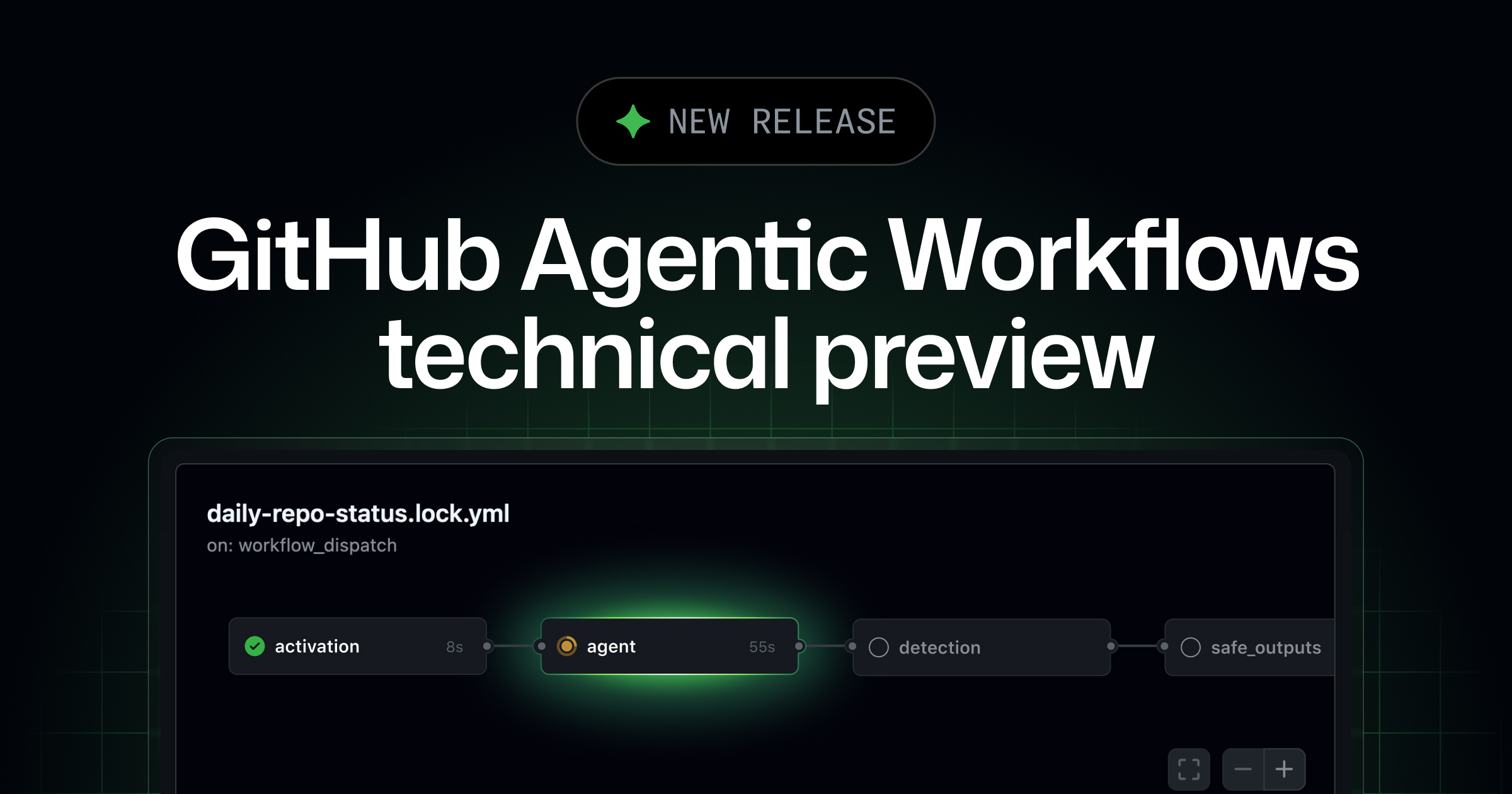
📸 GitHub Agentic Workflows are now in technical preview ...
What Are GitHub Agentic Workflows?
On February 17, 2026, GitHub officially announced the technical preview of Agentic Workflows. This is not just another feature addition. As GitHub Principal Researcher Eddie Aftandilian revealed, this marks the beginning of a new engineering paradigm called "Continuous AI".
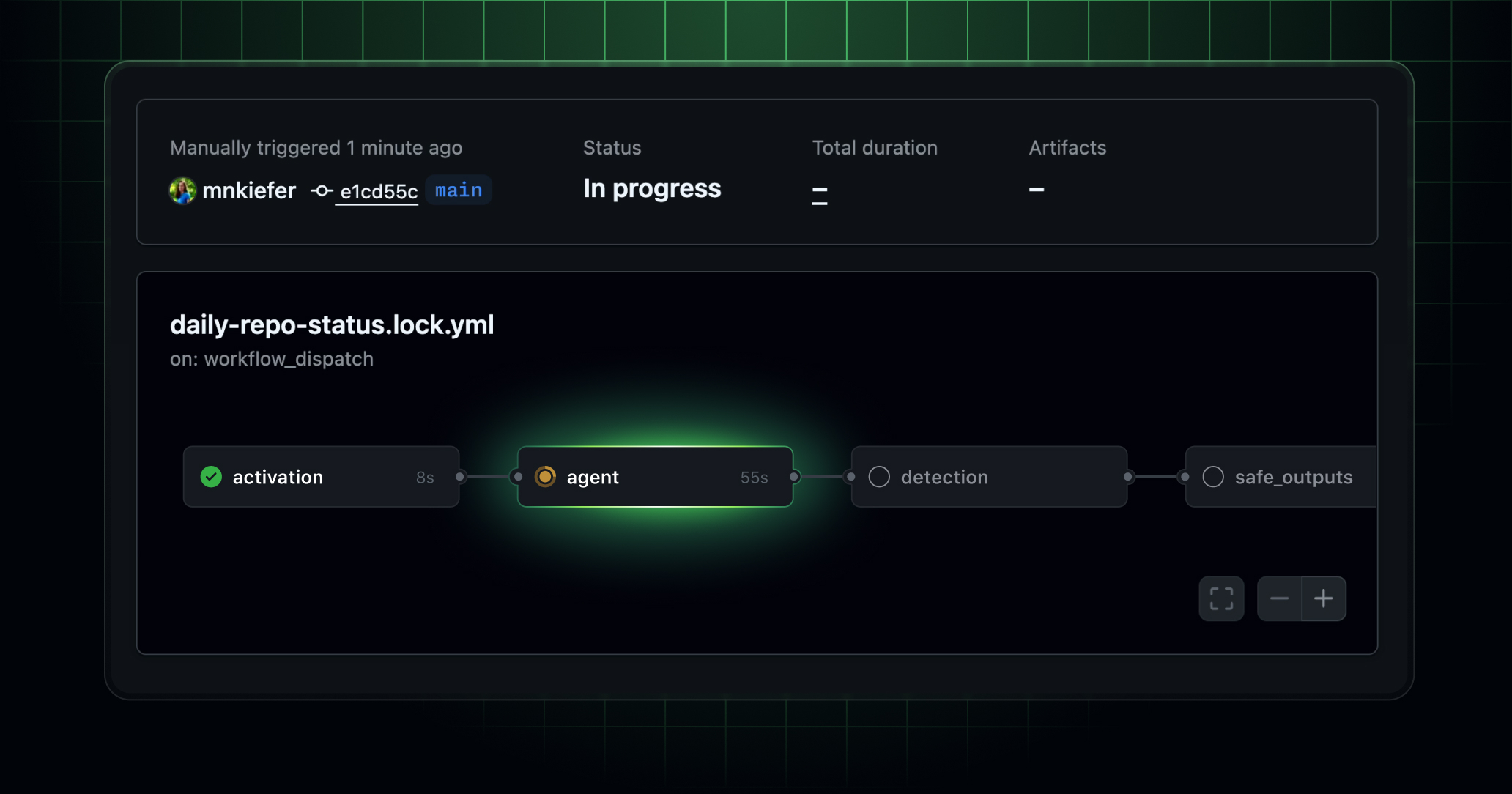
While traditional CI/CD automatically builds, tests, and deploys code, Agentic Workflows represent a completely new automation layer where AI agents autonomously classify issues, improve code, and generate reports. Jointly developed by GitHub Next and Microsoft Research, it uses Claude Code, GitHub Copilot, and OpenAI Codex as agent engines.
📸 Automate repository tasks with GitHub Agentic Workflows ...
Agentic Workflows vs Traditional GitHub Actions
| Category | Traditional GitHub Actions | Agentic Workflows |
|---|---|---|
| Execution Method | Deterministic | Non-deterministic (AI-powered) |
| Workflow Definition | Direct YAML file writing | Write Markdown file → GitHub CLI compiles to YAML |
| Triggers | push, PR, schedule, etc. | Issue creation, issue comments, PR, discussions, etc. |
| Ideal Tasks | Build, test, deploy (tasks requiring reproducibility) | Issue triage, documentation updates, code improvements, CI failure analysis |
| AI Agent | None | GitHub Copilot, Claude Code, OpenAI Codex |
Key Principle: Agentic Workflows do not replace existing CI/CD but complement it alongside. Traditional Actions handle tasks requiring strict reproducibility like builds and deployments, while Agentic Workflows handle tasks requiring AI flexibility.
📸 GitHub Agentic Workflows are now in technical preview ...
Key Features of Agentic Workflows
📸 How to build reliable AI workflows with agentic primitives ...
1. Markdown-Based Workflow Definition
Traditional GitHub Actions defined workflows in YAML. Agentic Workflows are written in Markdown files, and GitHub CLI (gh) compiles them into Actions YAML. This allows you to write workflows by instructing AI agents in plain text.
# issue-triage.md (Agentic Workflow example)

## Trigger
- New issues created
- Issue comments containing "/analyze"

## Instructions
When a new issue is created:
1. Analyze issue content and classify as bug/feature request/question
2. Add appropriate labels (bug, enhancement, question, needs-triage)
3. Check for duplicate issues and attach links
4. Estimate priority and write comments
5. Auto-assign owner (component-based)

## Agent
GitHub Copilot

## Security
sandboxed: true
secure-output: true
2. Sandboxed Execution + Secure Output
Security is the most important consideration. Agentic Workflows provides two security mechanisms:
- Sandboxed Execution: AI agents run in isolated environments to prevent unintended system access
- Secure Output: Validates agent outputs to prevent malicious exploitation. For example, blocks prompt injection attempts hidden in issue descriptions
3. Supported AI Agents
- 🤖 GitHub Copilot: Optimized for code-centric tasks, deeply integrated with GitHub ecosystem
- 🎭 Claude Code (Anthropic): Excels at complex code analysis, documentation writing, and refactoring
- 💻 OpenAI Codex: Specialized in code generation and modification
5 Real-World Use Cases
✅ 1. Automatic Issue Triage
When a new issue is created, AI automatically handles classification, labeling, priority assessment, and duplicate detection. Significantly reduces maintainer workload in open-source projects with many issues.
✅ 2. Automatic CI Failure Analysis
When builds fail, AI analyzes logs to identify root causes and writes PR comments suggesting solutions. Saves developers time from manually digging through logs.
✅ 3. Automatic Documentation Updates
When code changes, AI automatically creates PRs to update related READMEs, API documentation, and changelogs.
✅ 4. Test Coverage Monitoring
Periodically analyzes test coverage and automatically suggests test code additions for areas with low coverage.
✅ 5. Repository Health Reports
Weekly automatic analysis of repository status (open issues, pending PRs, technical debt, performance trends) and sends summary reports to the team.
Setting Up Agentic Workflows with GitHub CLI
# Install GitHub CLI (latest version required)
brew install gh  # macOS
gh --version

# Install Agentic Workflow extension
gh extension install github/gh-aw

# Compile and deploy workflow files
gh aw compile .github/agentic/issue-triage.md
gh aw deploy .github/agentic/issue-triage.md

# Check running workflows list
gh aw list

# Check workflow logs
gh aw logs issue-triage
Current Technical Preview Limitations
Since this is still in technical preview, there are some limitations:
- ✋ Cannot be used to replace general CI/CD build/deploy pipelines (due to non-deterministic nature)
- ✋ Additional agent execution costs apply (API token consumption)
- ✋ Reliability issues remain in some complex multi-step tasks
- ✋ Primarily supports public repositories (enterprise support expanding gradually)
Continuous AI: The Next Stage of Software Development
GitHub positions Agentic Workflows as the core of the "Continuous AI" concept. If CI (Continuous Integration) automated builds and testing, and CD (Continuous Deployment) automated releases, then CA (Continuous AI) automates cognitive tasks like code review, documentation, and issue management.
While still in early stages, as this technology matures, it will fundamentally change how development teams work. Repetitive and time-consuming administrative tasks will be handled by AI, allowing developers to focus on genuine creative problem-solving. I strongly recommend participating in the technical preview now.
How to Get Started
- Sign up for Agentic Workflows technical preview in your GitHub account
- Update to the latest GitHub CLI version
- Install
gh extension install github/gh-aw - Start with a simple issue labeling workflow
- Gradually expand based on team feedback
댓글
댓글 쓰기