GitHub Codespaces Complete Guide 2026 — How to Code Directly in the Cloud Without Local Installation
📸 GitHub Codespaces · GitHub
What is GitHub Codespaces?
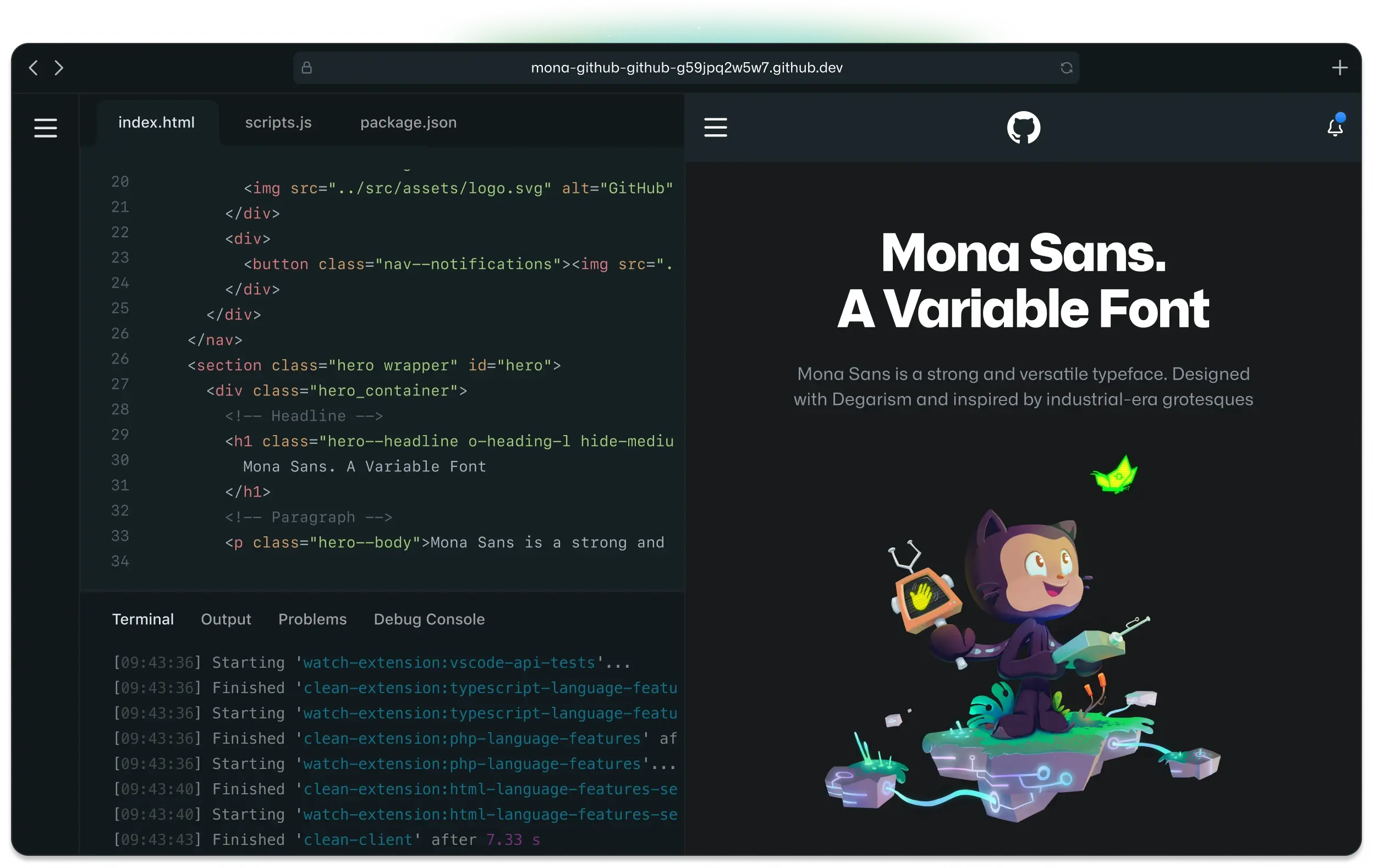
GitHub Codespaces is a Cloud Development Environment (CDE) provided by GitHub. You can access a complete development environment directly from your browser or VS Code without installing development tools like Node.js, Python, or Docker on your local PC. The key feature is that when you open a repository, an environment with all dependencies installed is ready within seconds.
As of 2026, GitHub Codespaces has evolved beyond a simple "cloud IDE" into an intelligent development platform deeply integrated with AI capabilities. It has become an essential tool for all teams that need consistent development environment configuration, from individual developers to large enterprises with thousands of engineers.
📸 GitHub Codespaces · GitHub
Key Features of GitHub Codespaces
📸 GitHub's Engineering Team has moved to Codespaces - The ...
⚡ Instant Ready-to-Use Environment
The days of wasting a day on "environment setup" when a new team member joins are over. Codespaces configures the same development environment for all team members in seconds with just a single devcontainer.json file. You can define and share OS versions, language runtimes, extensions, and environment variables as code.
// .devcontainer/devcontainer.json
{
  "name": "Node.js & TypeScript",
  "image": "mcr.microsoft.com/devcontainers/typescript-node:22",
  "features": {
    "ghcr.io/devcontainers/features/github-cli:1": {}
  },
  "postCreateCommand": "npm install",
  "extensions": [
    "dbaeumer.vscode-eslint",
    "esbenp.prettier-vscode",
    "GitHub.copilot"
  ]
}
📸 What are GitHub Codespaces? - GitHub Docs
🖥️ Multiple Access Methods
- Browser: Repository → Code → Codespaces → Run directly on github.com
- VS Code Desktop: Remote connection after installing GitHub Codespaces extension (maintains local IDE experience)
- JetBrains IDE: Connection support via JetBrains Gateway for IntelliJ, PyCharm, etc.
- GitHub CLI: Create directly from terminal with
gh codespace createcommand
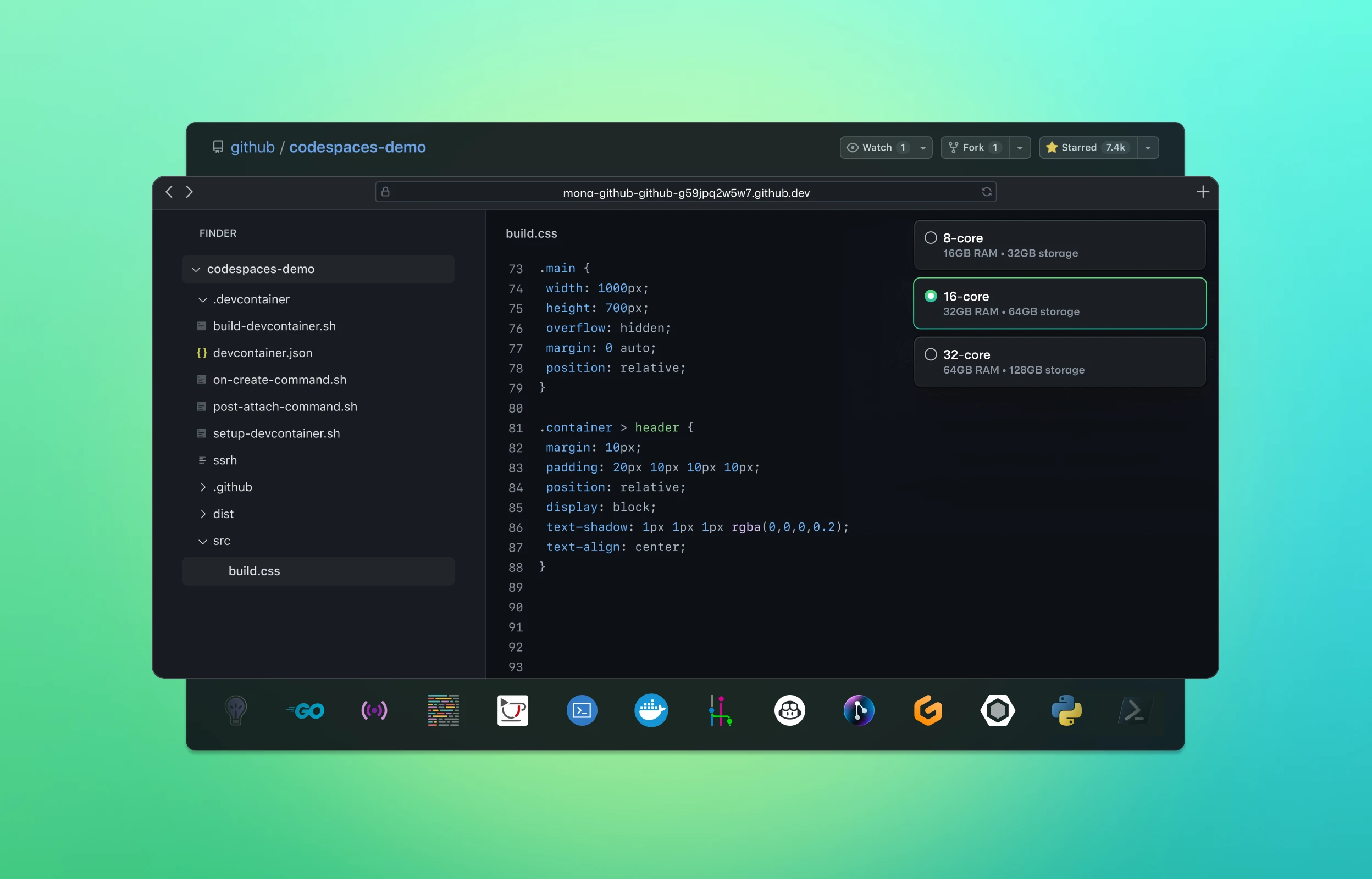
💪 Powerful Machine Specifications
Available Codespace machine options as of 2026:
| Plan | CPU | RAM | Storage |
|---|---|---|---|
| Basic | 2-core | 8GB | 32GB |
| Standard | 4-core | 16GB | 32GB |
| Premium | 8-core | 32GB | 64GB |
| Premium Plus | 32-core | 64GB | 128GB |
GitHub Copilot + Codespaces: The Evolution of AI Integration
The biggest change in GitHub Codespaces in 2026 is the deep integration with GitHub Copilot.
🤖 Copilot Workspace
GitHub Copilot Workspace is a feature where AI analyzes Issues or PRs to automatically create implementation plans and directly modifies code within Codespace. When you write "Fix this bug" in an Issue, AI analyzes the cause and directly applies code change suggestions to Codespace. In 2026, this feature has stabilized, and more teams are automating simple bug fixes and feature additions.
🔍 Codebase AI Queries
Within Codespace, you can ask natural language questions about the entire currently open codebase using the @workspace command. It dramatically reduces the time spent on direct exploration with questions like "Where is the payment-related logic in this project?" or "How does the authentication middleware work?"
Real-World Use Cases
🎓 Open Source Contributions
Setting up the environment for an open source project you're contributing to for the first time is always cumbersome. With Codespaces, you can complete the entire process of Fork → Open Codespace → Modify → Submit PR without any local installation. Many open source projects now display an "Open in Codespaces" badge in their README.
🧪 Accelerate PR Reviews
Clicking the "Review in Codespace" button in a PR immediately launches the environment for that branch. You can review by directly running complex changes, enabling much more accurate reviews than just looking at code.
📱 Mobile/Tablet Development
Full development work is possible with the Codespaces browser version on iPad or Surface. You can even connect from your smartphone to make urgent hotfixes.
Pricing and Free Usage
GitHub Free accounts also get 120 core-hours (60 hours on 2-core basis) and 15GB storage free each month. GitHub Pro/Team accounts receive more free usage. Inactive Codespaces automatically stop after a set time, so no unnecessary costs are incurred.
For organizations, GitHub Enterprise offers Enterprise Codespaces with dedicated VNet connection, advanced security policies, and SSO integration.
Getting Started: Create a Codespace in 5 Minutes
- Go to your desired repository on github.com
- Click the green Code button → Codespaces tab
- Click Create codespace on main
- After 30–60 seconds, VS Code environment launches in your browser
- Start coding right away!
Conclusion: The Future of Development Environments is Cloud
GitHub Codespaces frees developers from the worry of "What if my laptop breaks?" Being able to code immediately in the same environment from any device, anywhere holds particularly strong value in 2026 for distributed teams and remote work environments. With AI integration now added, if you haven't tried Codespaces yet, now is the optimal time to start.
댓글
댓글 쓰기