GitHub Models Complete Guide 2026 — Use GPT-4.1, Claude, Llama Free AI API with Just a GitHub Account
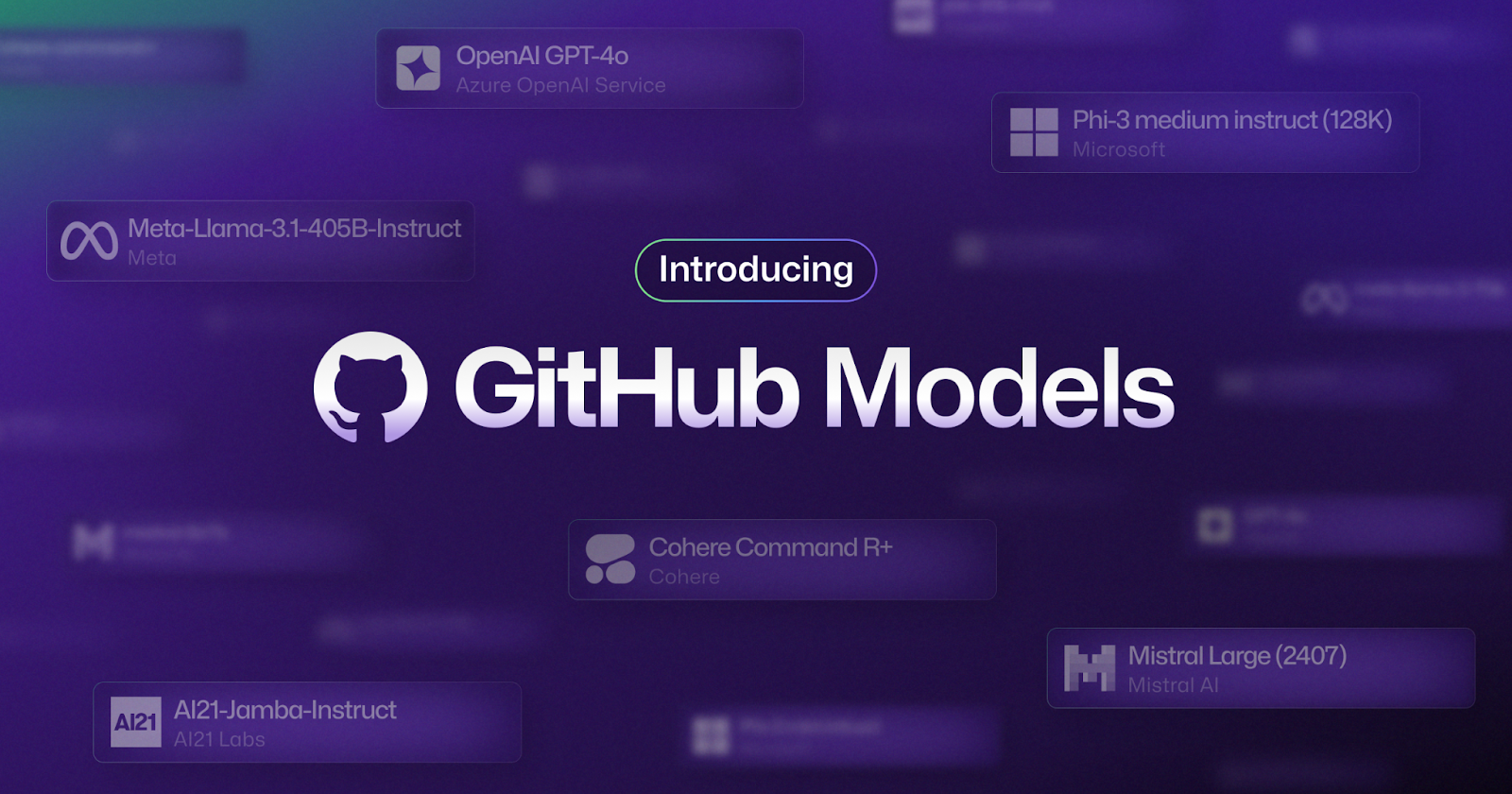
📸 Introducing GitHub Models: A new generation of AI engineers ...
What is GitHub Models?
Want to build AI apps but feel held back by OpenAI API key setup, payment method registration, and cost concerns? GitHub Models has completely eliminated these entry barriers. With just a GitHub account, you get free access to inference APIs for top-tier AI models like GPT-4.1, Claude, Llama, and Mistral—no additional API keys, separate consoles, or new SDKs required. Master GitHub Models, a must-know for every developer in 2026.

📸 Introducing GitHub Models: A new generation of AI engineers ...
Core Value of GitHub Models
GitHub Models isn't just a "free AI API." It's a platform that fully integrates AI development into your GitHub workflow.
- Free OpenAI-Compatible API: Switch to GitHub Models by changing just the endpoint URL in your existing OpenAI SDK code
- GitHub PAT Authentication: Use immediately with your existing Personal Access Token—no new API keys needed
- Prompt Version Control: Save, diff, and rollback prompts just like source code
- CI/CD Integration: Call AI models directly from GitHub Actions
- Team Governance: Admins control which models teams can access

📸 Introducing GitHub Models: A new generation of AI engineers ...
Supported Models — The Best Models in One Place
Here are the key AI models you can access through GitHub Models.

📸 OpenAI's latest o1 model now available in GitHub Copilot and ...
OpenAI Models
- GPT-4.1 (latest flagship)
- GPT-4o, GPT-4o mini
- o3, o4-mini (reasoning models)
Anthropic Models
- Claude Sonnet 4.6
- Claude Haiku 3.5
Meta Llama
- Llama 3.3 70B Instruct
- Llama 4 Scout, Llama 4 Maverick
Others
- Mistral Large, Mistral Small
- Microsoft Phi-4
- Google Gemma
- Cohere Command R+
Quick Start — Make Your First API Call in 5 Minutes
Step 1: Create GitHub Personal Access Token
Generate a token with models:read permission at GitHub Settings → Developer settings → Personal access tokens. If you already have a PAT, just add the additional permission.
Step 2: Test Immediately with cURL
curl -L \
  -X POST \
  -H "Accept: application/vnd.github+json" \
  -H "Authorization: Bearer YOUR_GITHUB_PAT" \
  -H "X-GitHub-Api-Version: 2022-11-28" \
  -H "Content-Type: application/json" \
  https://models.github.ai/inference/chat/completions \
  -d '{
    "model": "openai/gpt-4.1",
    "messages": [
      {"role": "user", "content": "Explain the key changes in Next.js 15"}
    ]
  }'
Step 3: Integrate with Python
from openai import OpenAI

client = OpenAI(
    base_url="https://models.github.ai/inference",
    api_key="YOUR_GITHUB_PAT"
)

response = client.chat.completions.create(
    model="openai/gpt-4.1",
    messages=[
        {"role": "system", "content": "You are a friendly coding assistant."},
        {"role": "user", "content": "Write a simple web scraper in Python"}
    ]
)

print(response.choices[0].message.content)
Just change the base_url and api_key lines in your existing OpenAI SDK code—that's it!
Step 4: Integrate with JavaScript/Node.js
import OpenAI from "openai";

const client = new OpenAI({
  baseURL: "https://models.github.ai/inference",
  apiKey: process.env.GITHUB_TOKEN,
});

const response = await client.chat.completions.create({
  model: "anthropic/claude-sonnet-4-6",
  messages: [
    { role: "user", content: "Tell me about new features in TypeScript 5.7" }
  ],
});

console.log(response.choices[0].message.content);
Leveraging AI in GitHub Actions — Integrating AI into CI/CD
One of the most powerful use cases for GitHub Models is calling AI models directly within GitHub Actions workflows.
name: AI Code Review
on:
  pull_request:
    types: [opened, synchronize]

jobs:
  ai-review:
    runs-on: ubuntu-latest
    steps:
      - uses: actions/checkout@v4

      - name: AI Code Review
        env:
          GITHUB_TOKEN: ${{ secrets.GITHUB_TOKEN }}
        run: |
          # Get PR diff
          git diff HEAD~1 > /tmp/changes.diff

          # Call GitHub Models API
          REVIEW=$(curl -s -X POST \
            -H "Authorization: Bearer $GITHUB_TOKEN" \
            -H "Content-Type: application/json" \
            https://models.github.ai/inference/chat/completions \
            -d "{\
              \"model\": \"openai/gpt-4.1\",\
              \"messages\": [{\
                \"role\": \"user\",\
                \"content\": \"Review the following code changes:\n$(cat /tmp/changes.diff)\"\
              }]\
            }" | jq -r '.choices[0].message.content')

          echo "AI Review: $REVIEW"
GITHUB_TOKEN is automatically provided in Actions, so no separate secret configuration needed!
Prompt Version Control — A New Paradigm in AI Development
GitHub Models treats prompts as first-class development assets. This is the key differentiator from simple API services.
- Manage Prompts with Git: Store in your repository like
prompts/code-review.md - Track Prompt Changes with Diff: See which prompt modifications affected performance
- Review Prompt Improvements via PR: Collaborate on prompt engineering with your team
- Release Prompt Versions with Tags: Manage validated prompts as v1.0, v2.0, etc.
Pricing and Usage Limits
GitHub Models offers a free tier for individual developers and open source projects.
- Free (GitHub Account): Low per-minute request limits, sufficient for testing and prototyping
- GitHub Copilot Subscribers: Higher request limits
- Production Scale: Connect to Azure AI for unlimited usage (existing Azure pricing applies)
When moving to production, simply switch to the Azure AI Inference endpoint—no code changes needed. Free for development and testing, Azure for deployment—a perfect development pipeline.
Real-World Use Cases
1. Add AI Documentation to Open Source Projects
Build an Actions workflow that automatically analyzes changes and updates the CHANGELOG whenever a PR is merged.
2. Develop Personal AI Assistant Tools
Create your own CLI tools, Slack bots, Notion plugins, and more without separate API costs. Just one GitHub PAT and you're ready to go.
3. Learning and Prototyping
Ideal for students and developers learning AI app development. Experiment and learn with top-tier models without any payment setup.
Conclusion — GitHub Becomes the New Hub for AI Development
GitHub Models goes beyond removing barriers to AI development—it presents a future where source code and AI are integrated into a single workflow. Prompt version control, CI/CD integration, team governance—all these features run on GitHub, which developers already use daily. If you've been putting off starting AI app development due to complex setup, start right now with GitHub Models. One token, one endpoint—that's all you need.
댓글
댓글 쓰기