Vibe Coding Complete Guide 2026 — How to Build Apps Using Only Natural Language Conversations with Claude Code

📸 Vibe Coding vs Vibe Engineering : r/ChatGPTCoding
What is Vibe Coding?
There's a keyword heating up the developer community in 2026: Vibe Coding. This concept, first coined by AI researcher Andrej Karpathy, is simple: a development approach where you create apps by explaining what you want in natural language to AI, without typing code directly.
When you give commands like "Create a login form," "Integrate the payment API," or "Fix this bug," AI generates, modifies, and executes the code. Karpathy explained on X (Twitter): "Forget about code entirely. Just describe what you want, see what you want, and feel what you want."
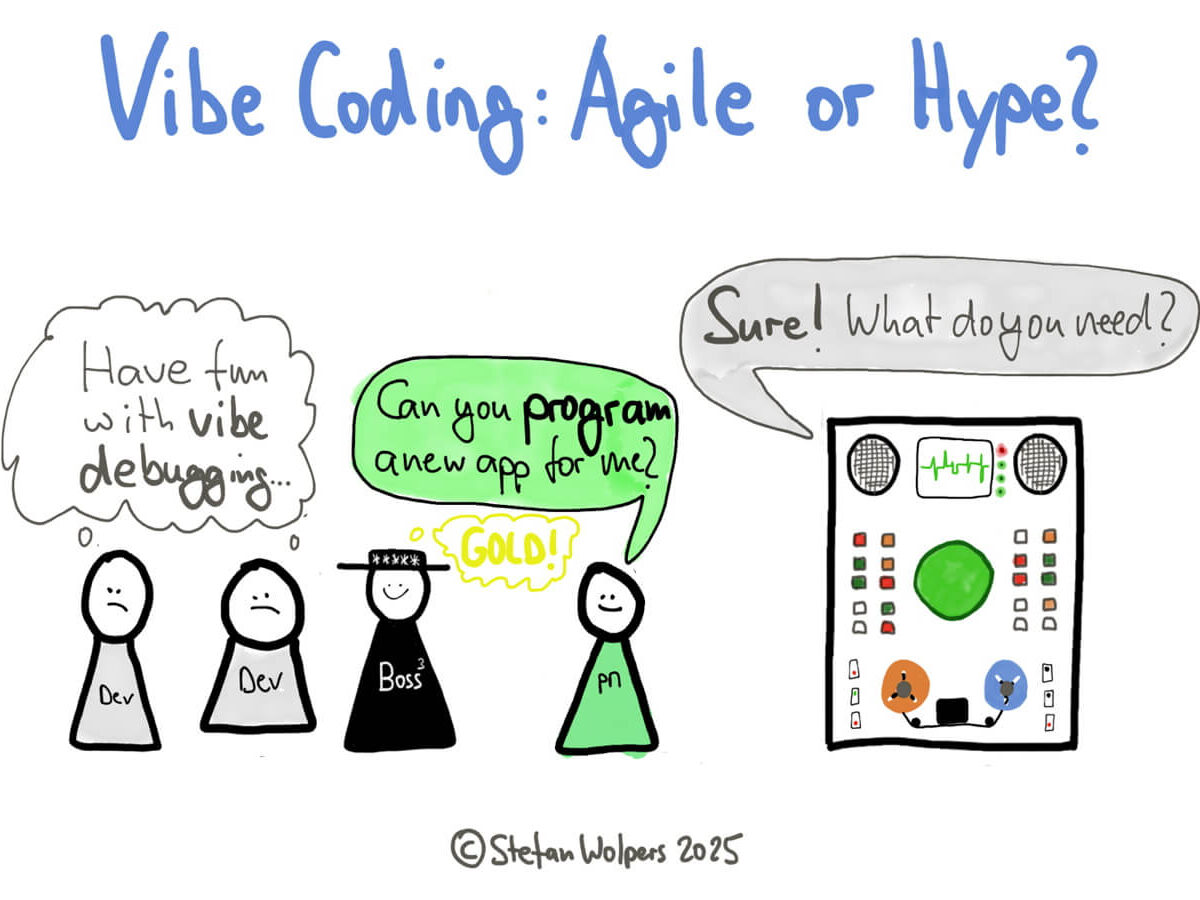
📸 Is Vibe Coding Agile or Merely a Hype? - Age-of-Product.com
Why is Vibe Coding Exploding Right Now?
There are specific reasons why Vibe Coding is suddenly gaining attention. In early 2026, AI coding tools crossed a tipping point. In particular, three trends converged simultaneously:
- The Rapid Rise of Claude Code — Anthropic's terminal-based coding agent. The New York Times covered its "rapid rise" in January 2026, and The Verge declared it a "real moment."
- Release of Claude Sonnet 4.6 — Providing flagship-level coding capabilities at 1/5 the cost. The cost barrier for large-scale agent deployment has disappeared.
- Maturation of Agentic AI — AI agents that work autonomously for hours, going beyond one-off responses, have become practical.

📸 Live vibe coding with Claude Code
Claude Code — The Core Tool for Vibe Coding
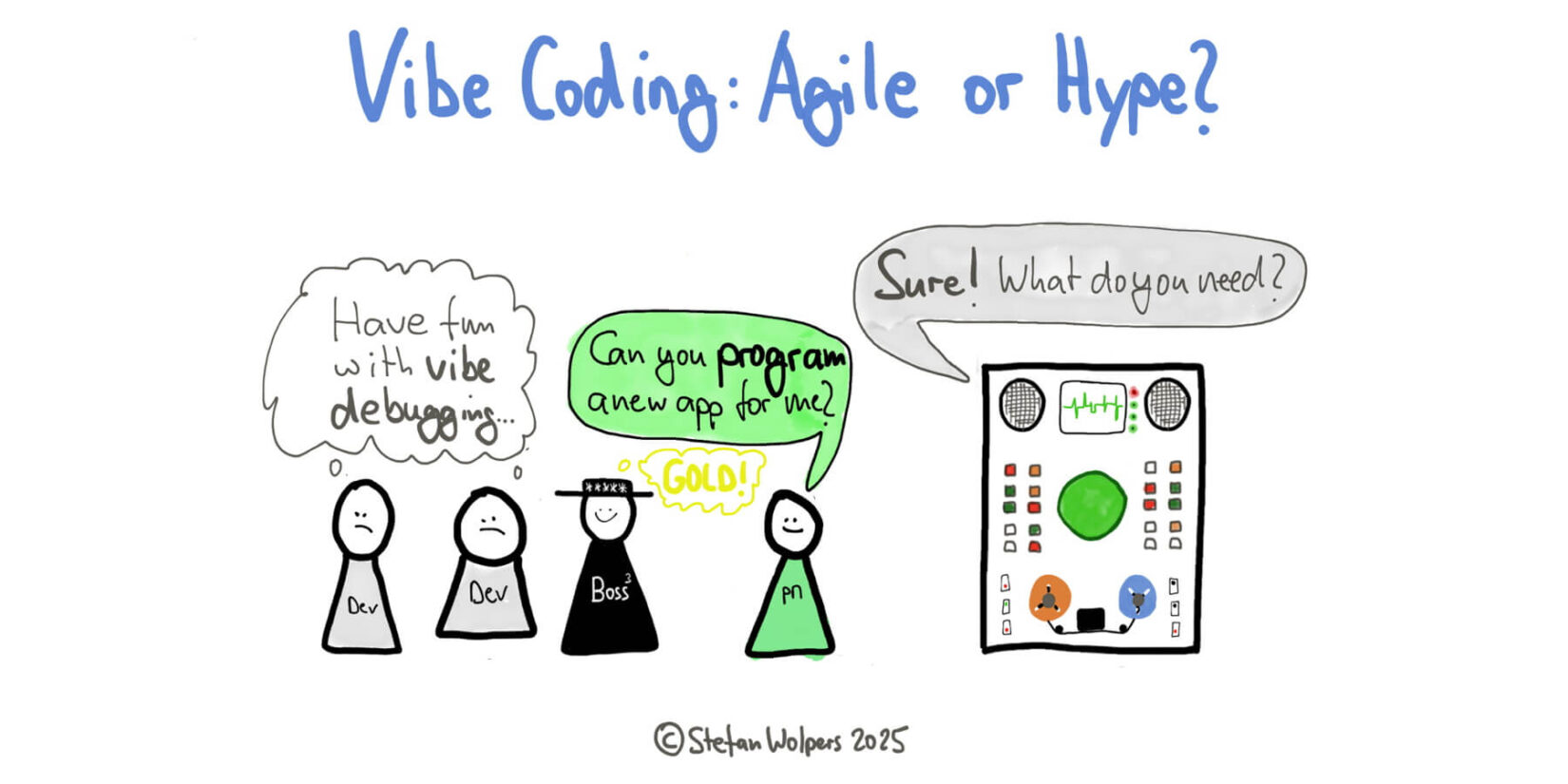
📸 Is Vibe Coding Agile or Merely a Hype? - Age-of-Product.com
Installation and Getting Started
Claude Code is a CLI tool that runs in the terminal. Installation is simple:
# Global installation with npm
npm install -g @anthropic-ai/claude-code

# Or run directly with npx
npx @anthropic-ai/claude-code

# Start in your project folder
cd my-project
claude-code
Basic Workflow
When you run Claude Code, a conversational interface starts. It automatically indexes your entire codebase, then accepts natural language commands and modifies actual files:
# Example conversation
> Create a user authentication system. JWT-based, including refresh tokens.
# Claude Code: Creating auth/index.ts, middleware/auth.ts, models/token.ts...

> There's no email duplicate check logic. Add it.
# Claude Code: Analyzing existing files and modifying...

> Write test code too
# Claude Code: Creating auth.test.ts...
Vibe Coding in Practice — Step-by-Step App Development Guide
STEP 1: Idea → Project Scaffolding
Vibe Coding shines most when starting a new project. Describe your idea, and it sets up the entire project structure:
"Create a todo app with Next.js 14 + TypeScript.
Connect to Supabase DB, include tags and deadline notifications.
Use shadcn/ui for UI."
With just this one sentence, Claude Code generates the folder structure, package.json, configuration files, and component drafts.
STEP 2: Adding Features — Iterate Through Conversation
The same applies when adding features to existing code. You don't need to look at the code directly:
- "Add payment functionality. Include Stripe webhook handling." → Automatically generates Stripe integration code
- "Layout is broken on mobile. Fix it." → Automatically modifies responsive CSS
- "API response is slow. Add caching." → Automatically adds Redis caching layer
STEP 3: Bug Fixes — Just Describe the Symptoms
Another advantage of Vibe Coding is bug fixing. Paste error messages or describe symptoms, and it finds the cause and fixes it:
"Previous user data remains after logout and re-login.
Also getting this error: TypeError: Cannot read property 'id' of undefined."
STEP 4: Code Review and Refactoring
Quality improvement after completion is also handled through conversation:
- "Make this entire file TypeScript strict mode compliant"
- "Find and fix SOLID principle violations"
- "Extract duplicate logic into common utilities"
Vibe Coding Limitations and Best Practices
What Works Well
- ✅ Rapid building of CRUD apps and SaaS prototypes
- ✅ Automating boilerplate code
- ✅ Library integration (Stripe, Auth0, Supabase, etc.)
- ✅ Test code generation
- ✅ Legacy code refactoring
Requires Caution
- ⚠️ Security-critical code — Expert review is mandatory
- ⚠️ Complex algorithms — Don't blindly accept AI suggestions
- ⚠️ Large-scale architecture decisions — Understanding context and business requirements is essential
- ⚠️ AI-generated code verification — "Working" and "correct" are different things
Best Practices
Tips shared by experienced Vibe Coders:
- Provide sufficient context — Specify tech stack, constraints, and existing patterns
- Request in small units — If you request everything at once, error tracking becomes difficult
- Accept AI suggestions with understanding — If you don't understand the code, it's hard to modify later
- Version control thoroughly — Commit AI modifications immediately to secure rollback points
How Vibe Coding Changes the Developer's Role
Vibe Coding doesn't replace developers. Instead, it redefines the developer's role. The focus shifts from typing code to architecture design, requirements analysis, AI output verification, and business logic optimization.
The best developers in 2026 are those who collaborate effectively with AI. Vibe Coding is the language of that collaboration. If you don't start now, you'll fall behind.
How to Get Started — Today
- Create a free account at claude.ai
- Try solving coding problems through conversation at claude.ai
- Check the Claude Code official documentation and install the CLI
- Practice the Vibe Coding workflow with a toy project
댓글
댓글 쓰기